Notes and articles from the Gamepad Tester team about controller diagnostics.
Meet GamePad Tester: free browser Gamepad Tester with up to 4 controller slots, stick drift tools, DualSense touch pad / adaptive extras, PDF reports, and PS4 / PS5 WebHID calibration.
How to Use a Gamepad Tester: Complete Guide. Run a full controller health pass: detection, buttons, sticks, triggers, and vibration, then decide keep, clean, or repair.
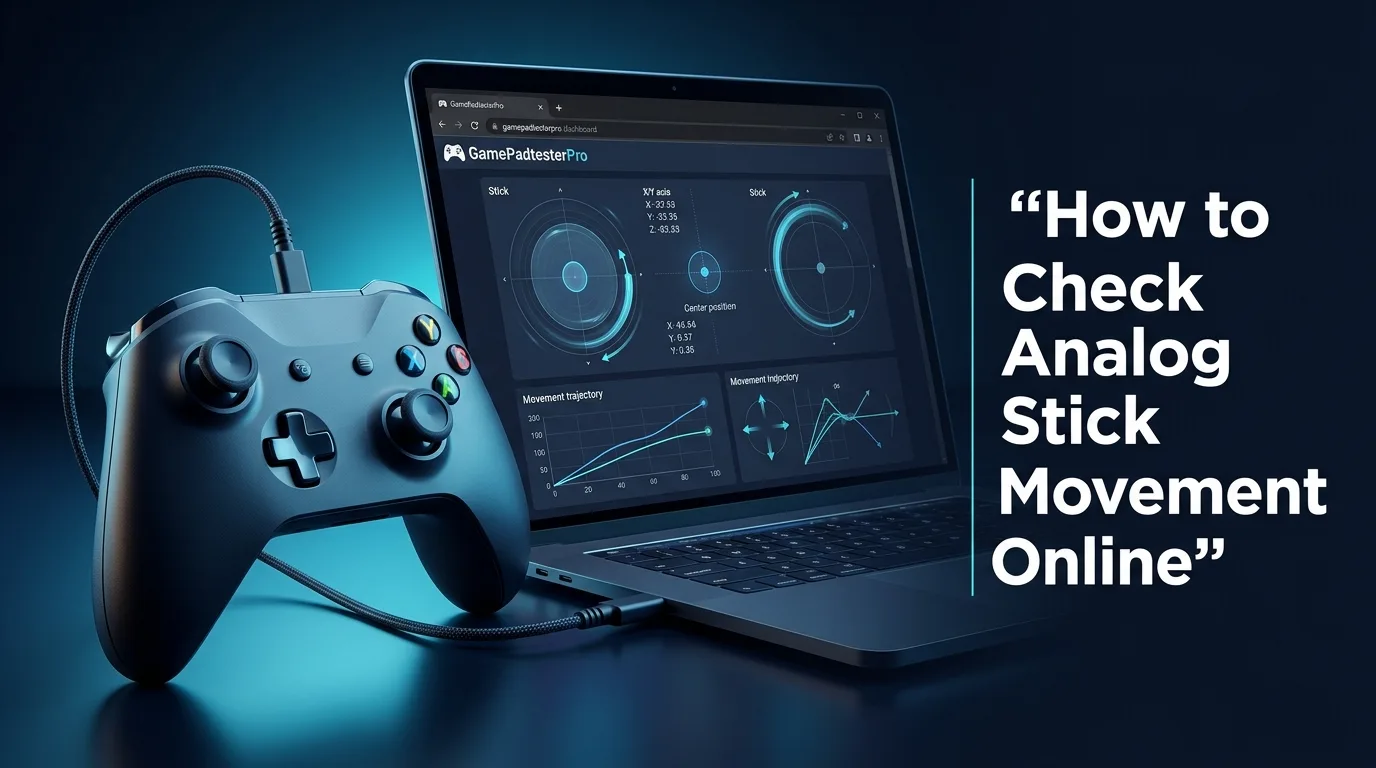
How to Check Analog Stick Movement Online. Use live Gamepad API readings to answer a specific controller question, with clear next steps instead of generic filler.
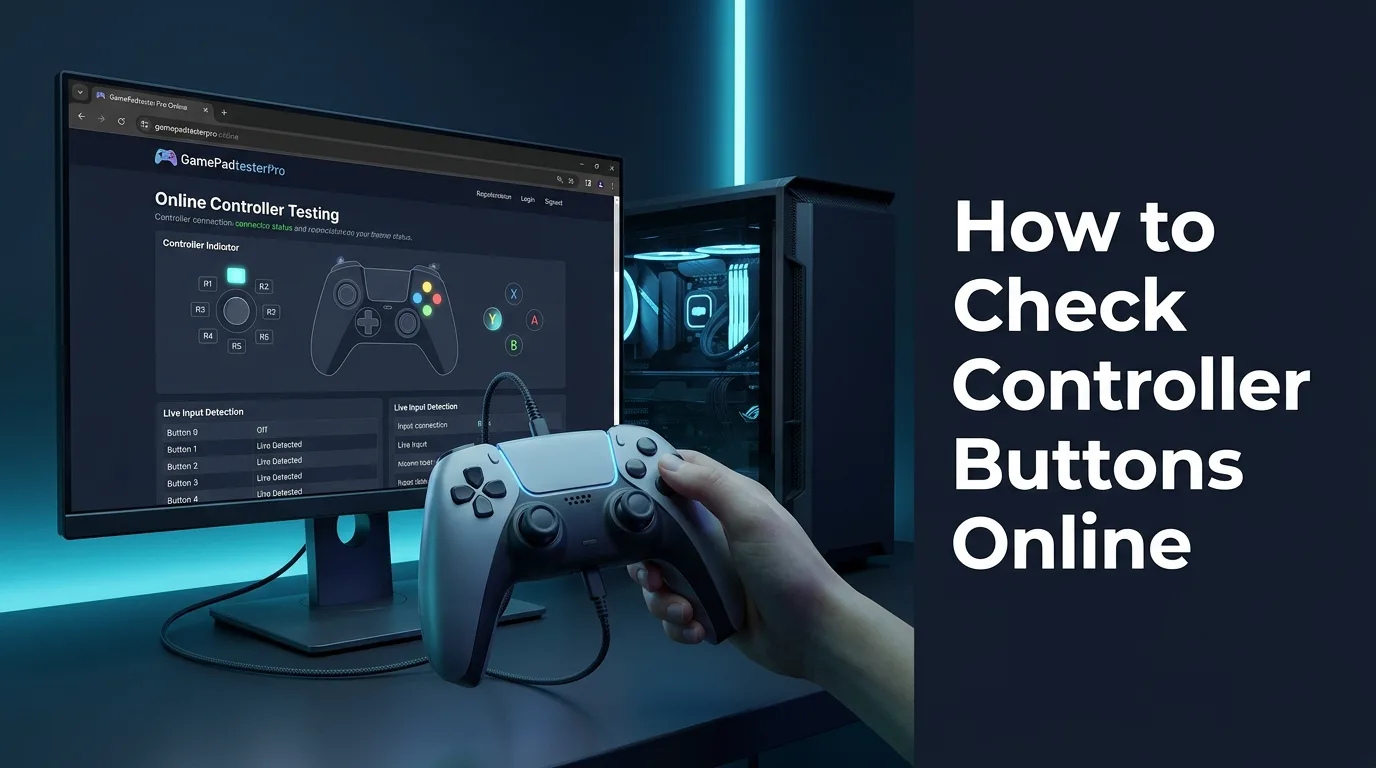
How to Check Controller Buttons Online. Press one control at a time, confirm clean pressed/released states, and spot stuck, ghost, or double-fire inputs before you open the shell.
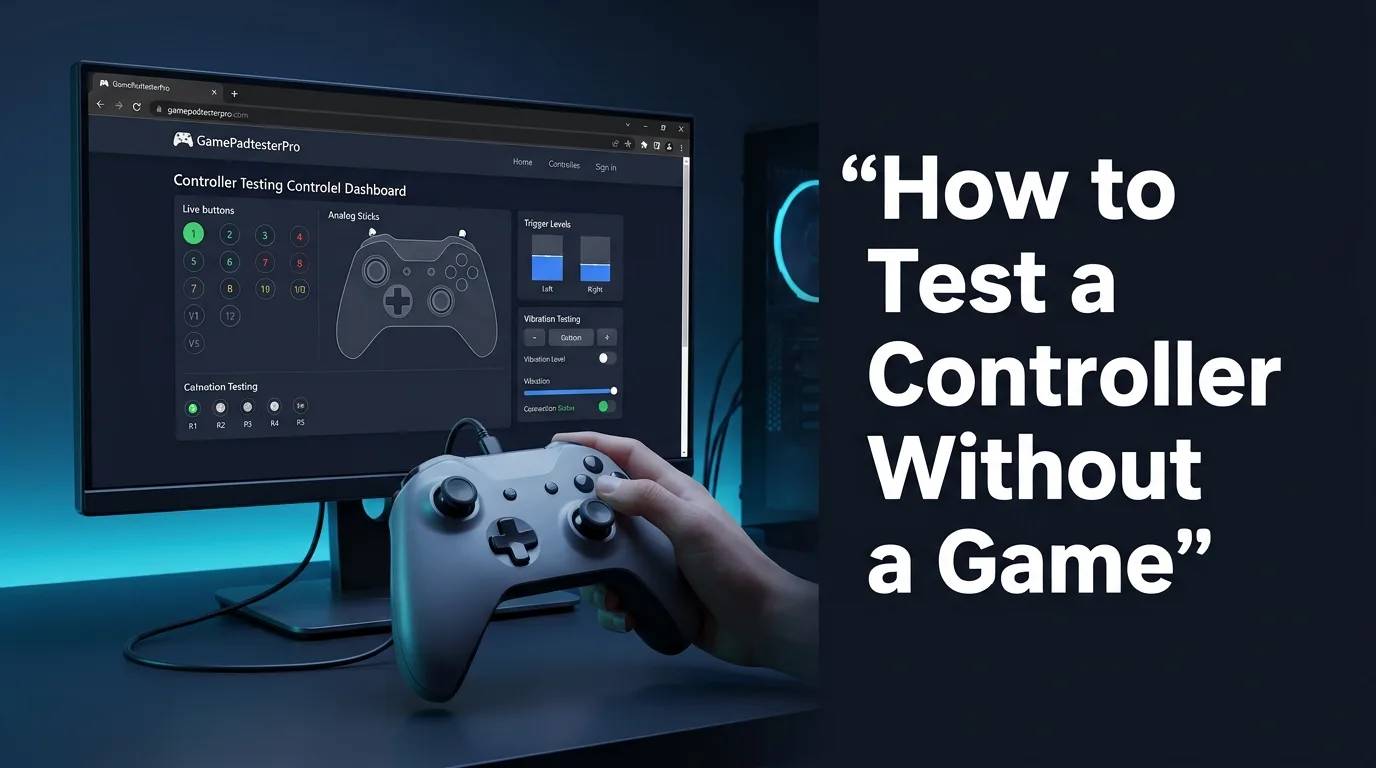
How to Test a Controller Without a Game. Use live Gamepad API readings to answer a specific controller question, with clear next steps instead of generic filler. No install required for the first pass.
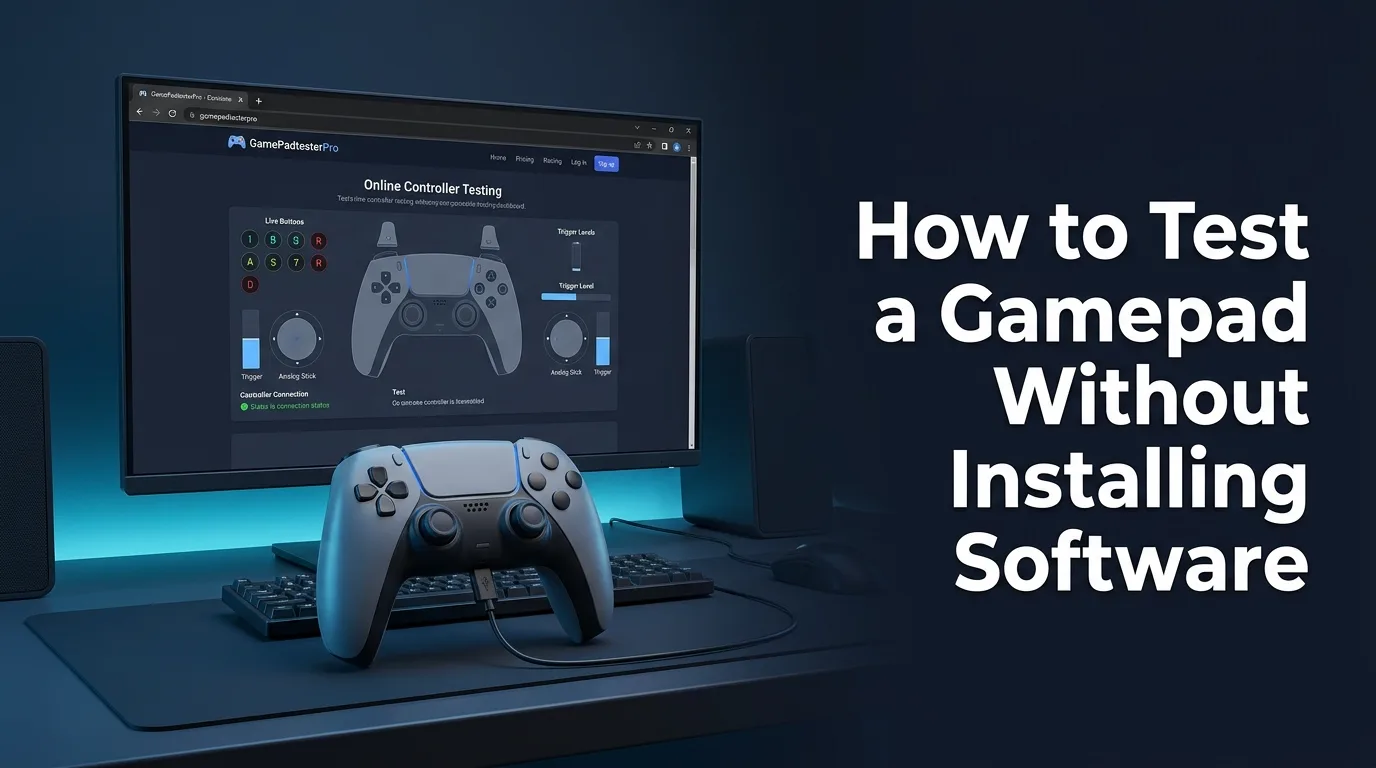
How to Test a Gamepad Without Installing Software. Use live Gamepad API readings to answer a specific controller question, with clear next steps instead of generic filler. No install required for the first pass.
How to Test a Wireless Controller on PC. Use live Gamepad API readings to answer a specific controller question, with clear next steps instead of generic filler. Tuned for desktop browser checks.
How to Test Controller D-Pad on PC. Isolate D-pad failures from stick or hat mapping quirks with a deliberate directional press sequence. Tuned for desktop browser checks.
How to Test Controller Input Lag and Input Delay. Separate pad input delay from display/OS lag with a clear browser baseline, then check USB vs wireless before buying new hardware.
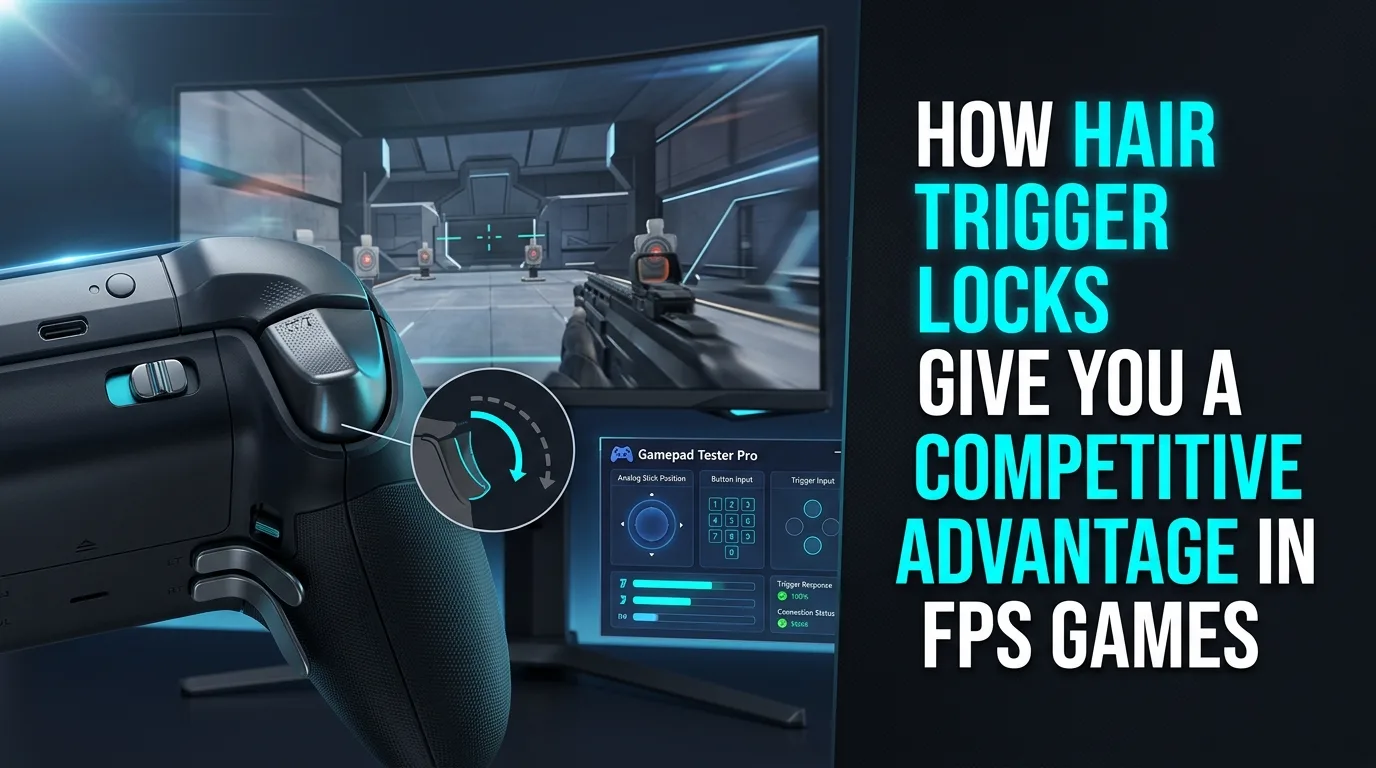
Shorten trigger actuation for shooters with locks or digital modes, and confirm travel curves with a live controller tester.
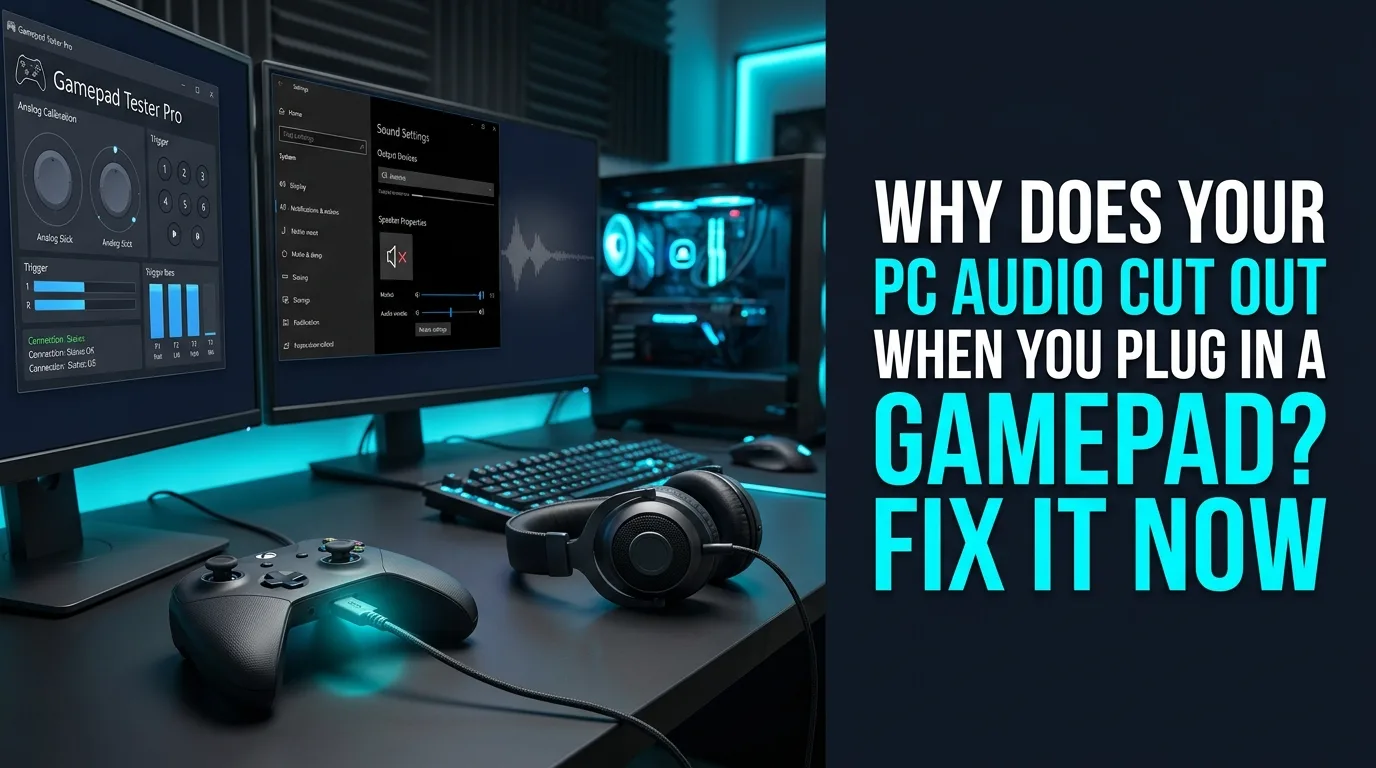
Stop Windows from hijacking default playback when a pad enumerates as audio, and troubleshoot headset jacks on DualSense/DualShock over PC.
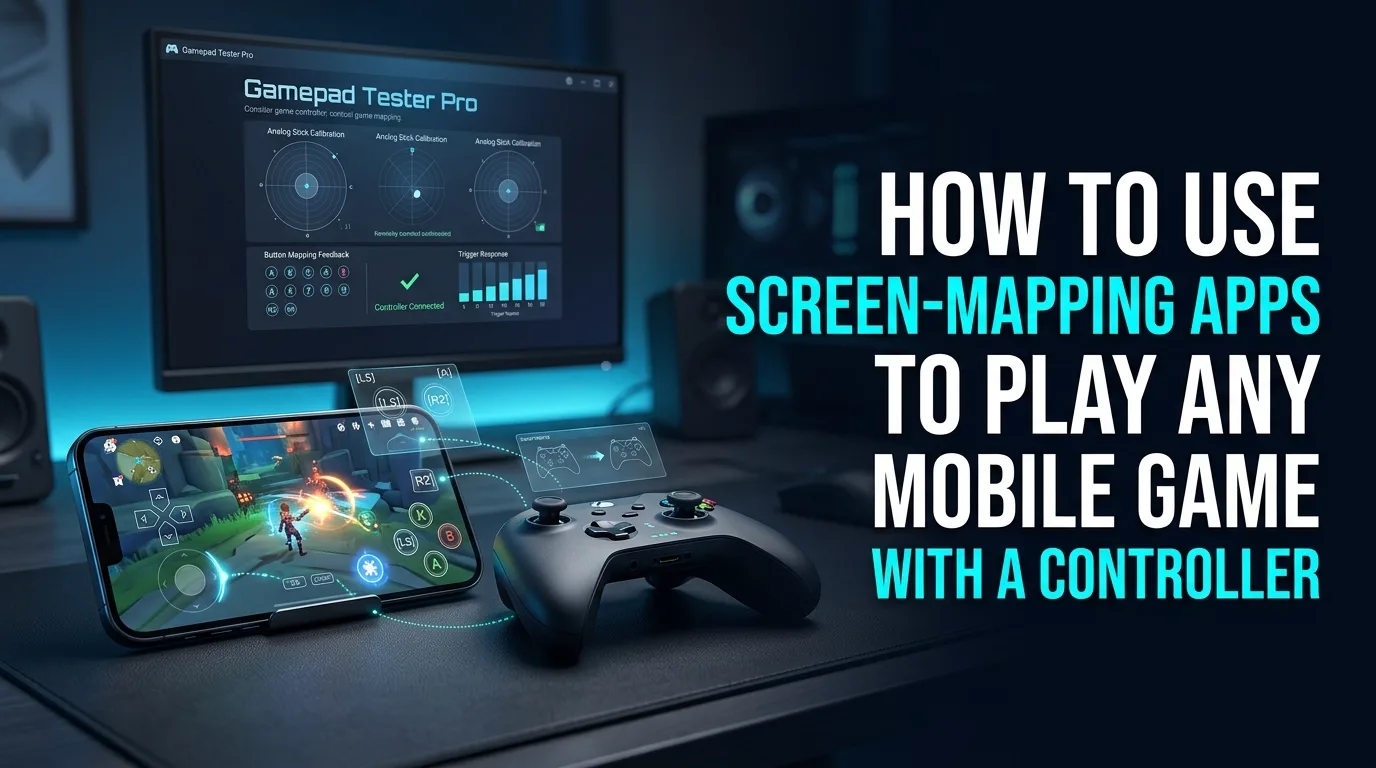
Choose clip-on vs USB-C pads, use mapping apps cautiously, and prefer native controller support when games allow it.
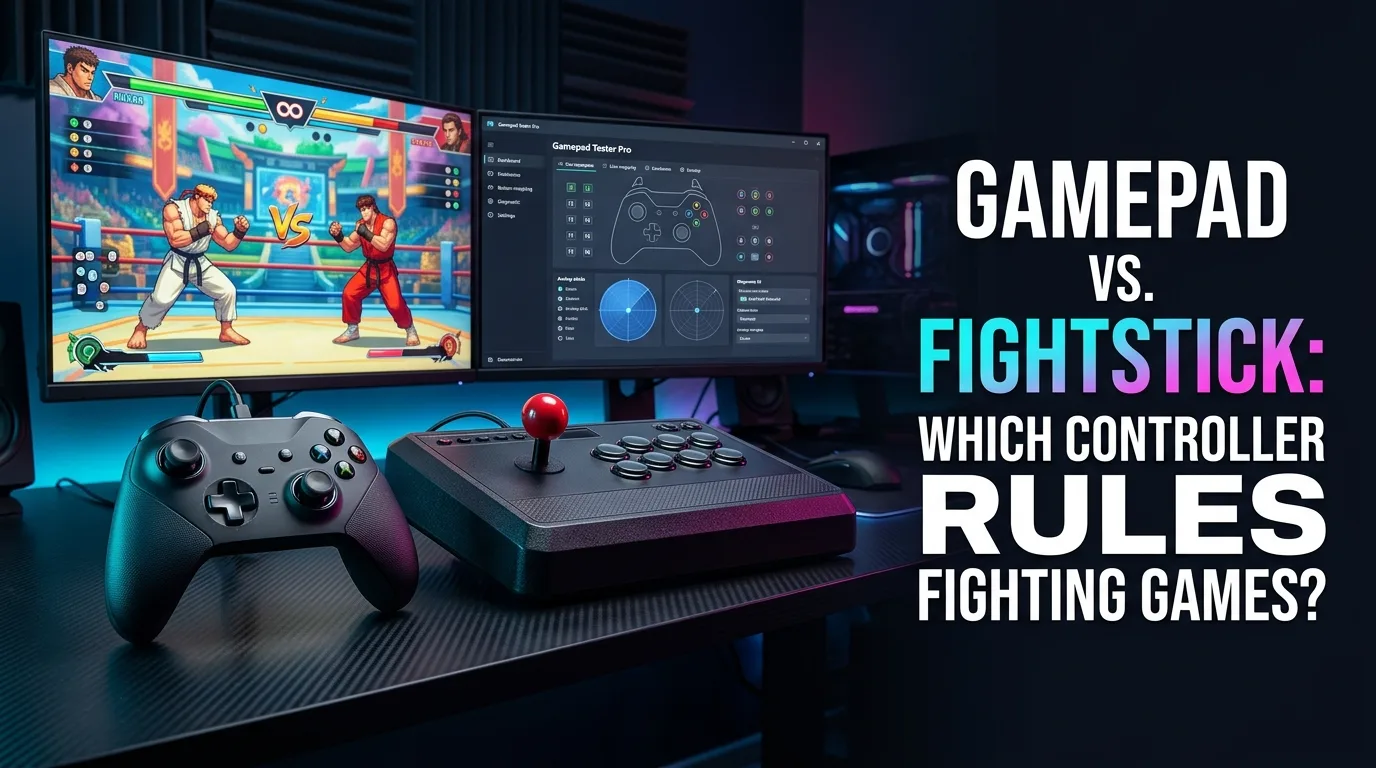
Weigh fightsticks and hitboxes against pads, learn how pros choose, and verify button clarity before tournament day.
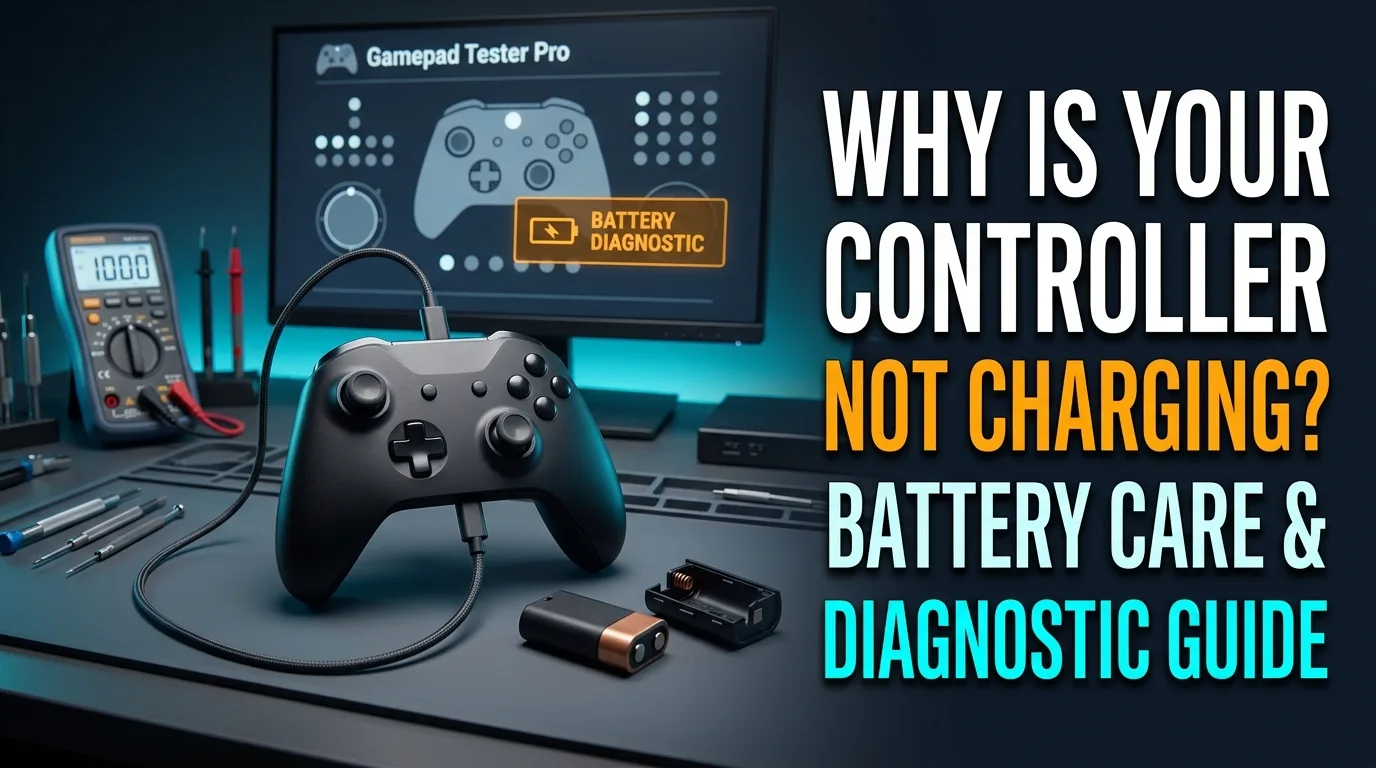
Diagnose charge failures, blinking power lights, and short battery life—then confirm the pad still reports cleanly over USB.
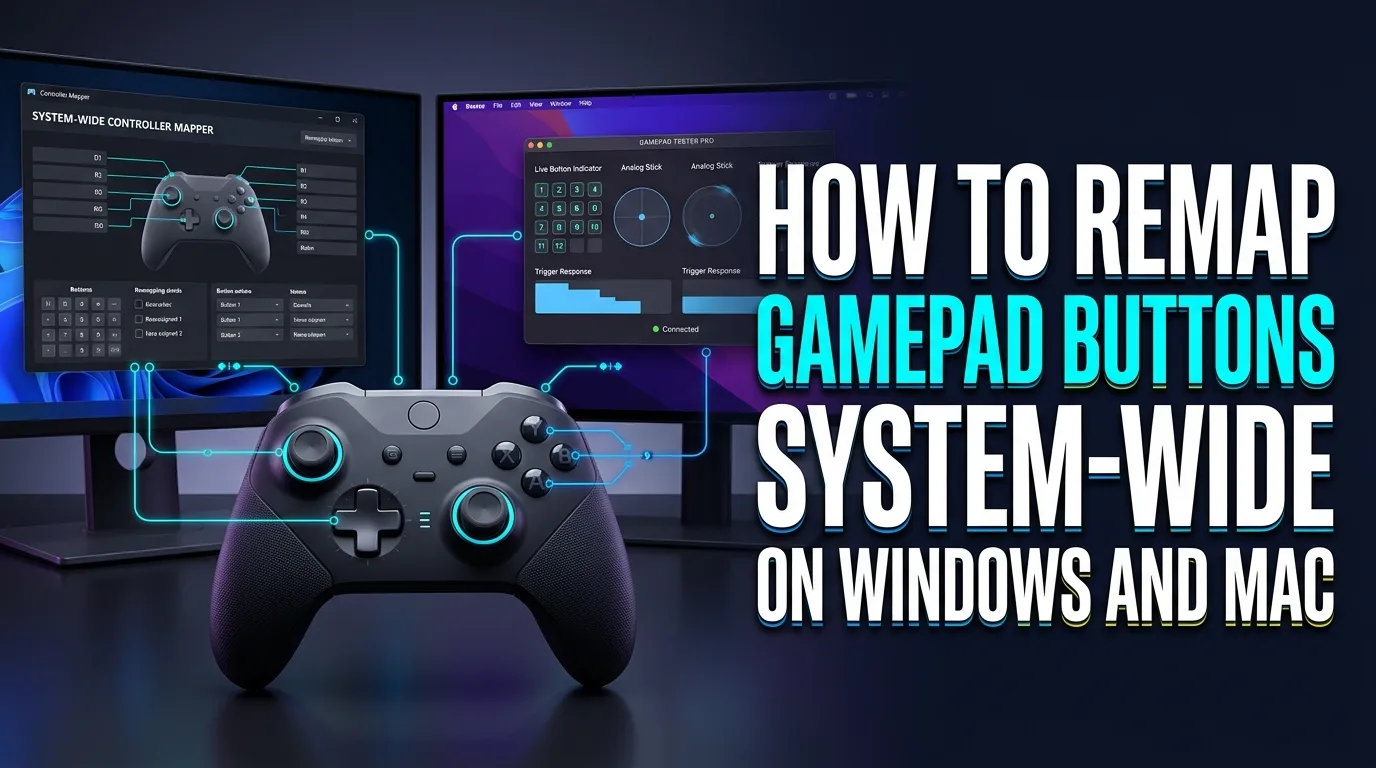
Remap pads globally when games lack options, verify indexes in a browser tester, and consider adaptive hardware for accessibility.
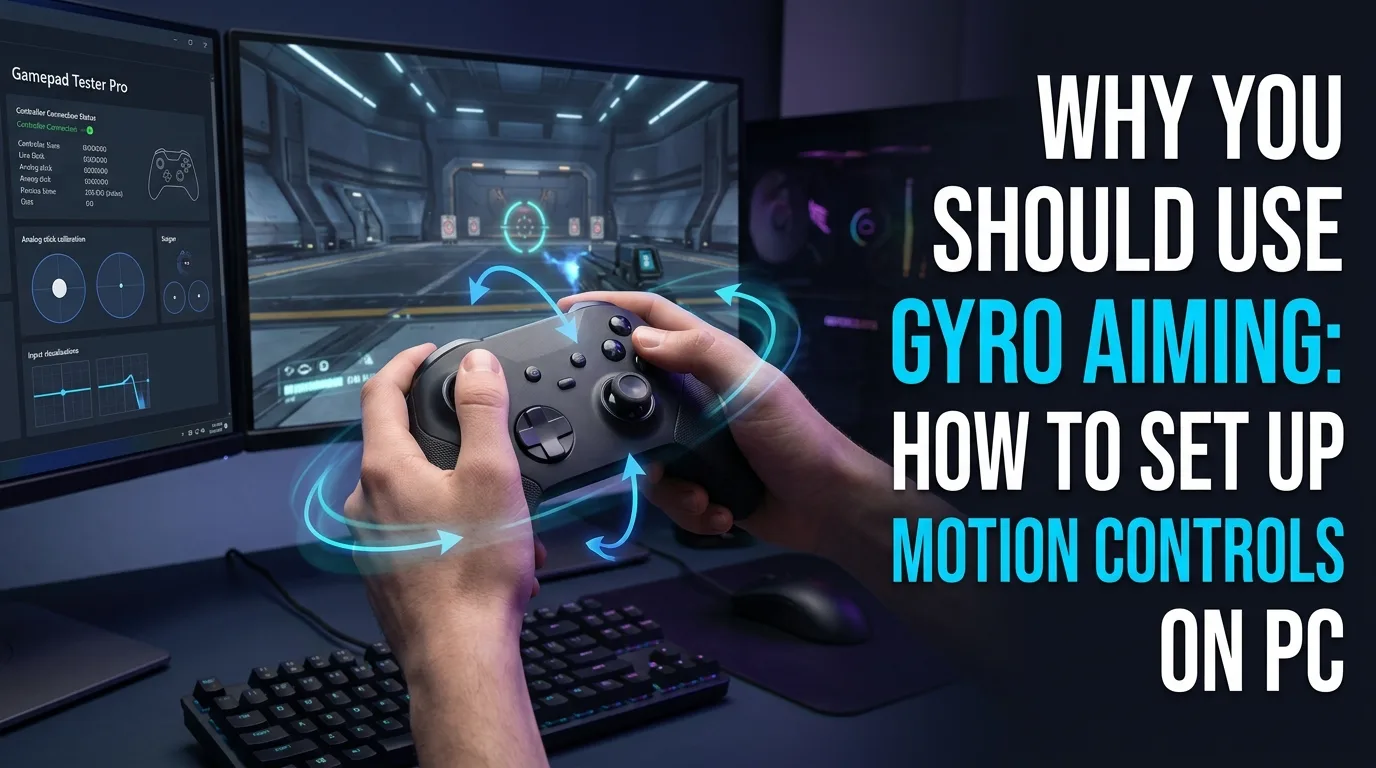
Use gyro for fine aim on supporting pads, enable it through Steam or native options, and keep stick health verified so motion isn’t fighting drift.
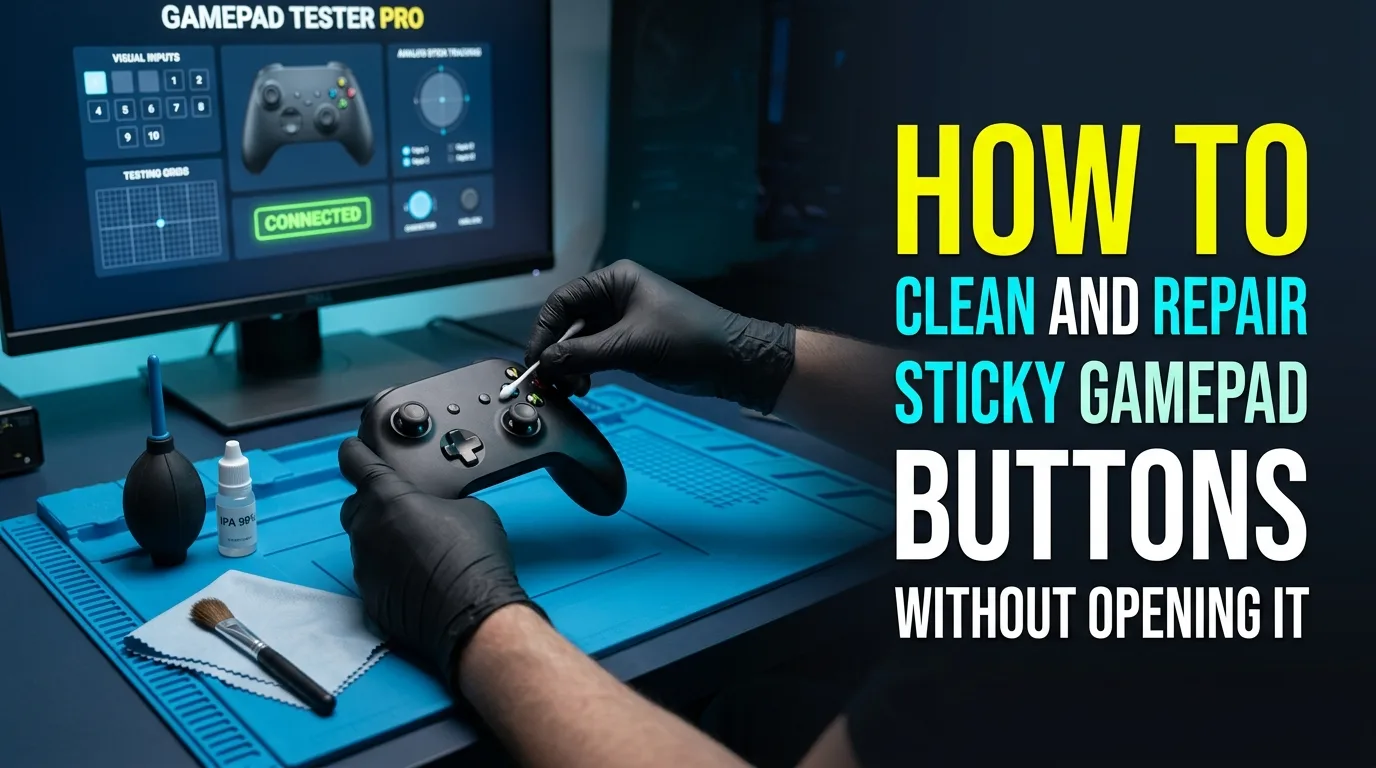
Clean sticky buttons carefully, understand bumper failures, and verify every fix with a live button test before you open the shell.
Pair controllers to smart TVs and sticks, understand cloud lag on Bluetooth, and fall back to PC browser tests when TV web apps are opaque.
Use Steam Input to fix stubborn PC games, control when Steam overrides native layouts, and build custom layers once the pad is confirmed healthy.
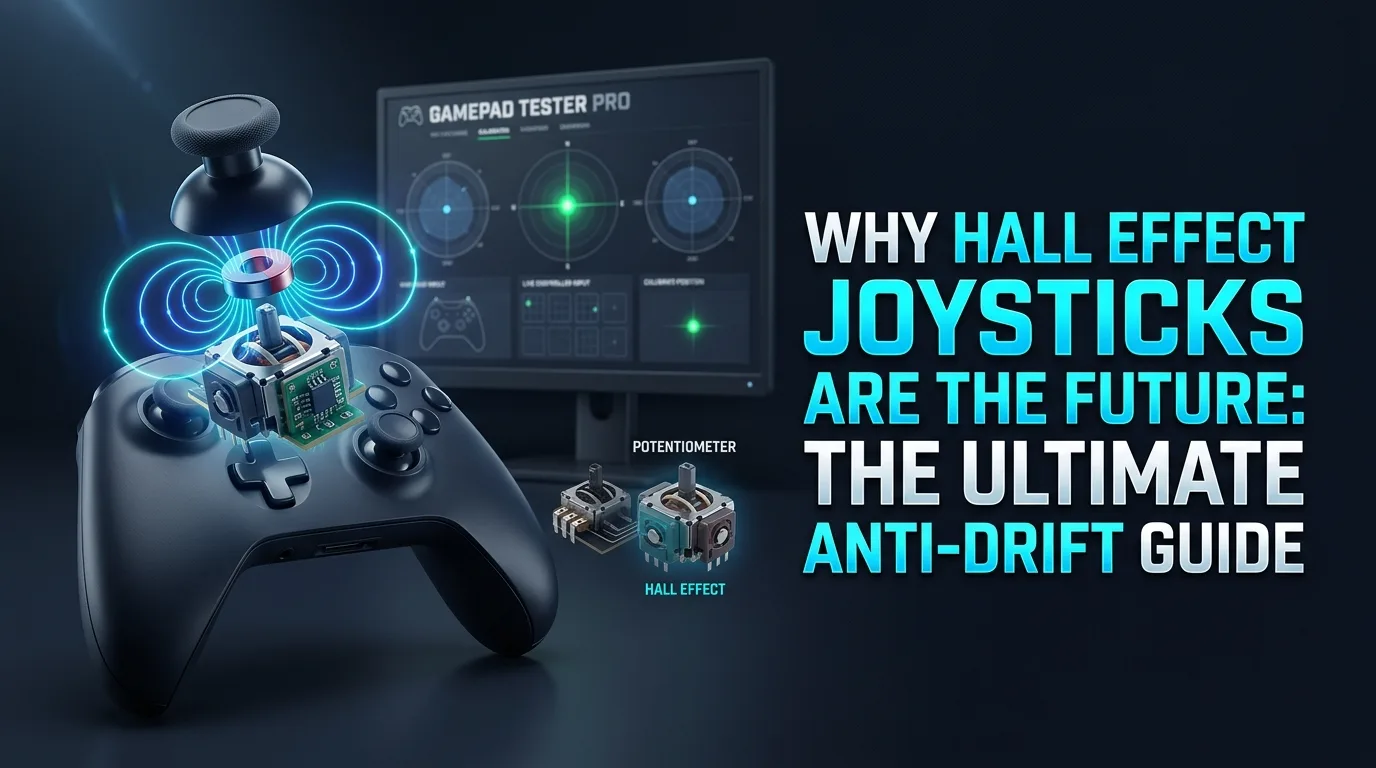
Understand why pots drift, how Hall sensors reduce wear, and how to verify anti-drift claims with a quiet browser idle test.
Separate display lag from pad lag, tame Bluetooth spikes, and only chase polling overclocks after a clean wired baseline test.
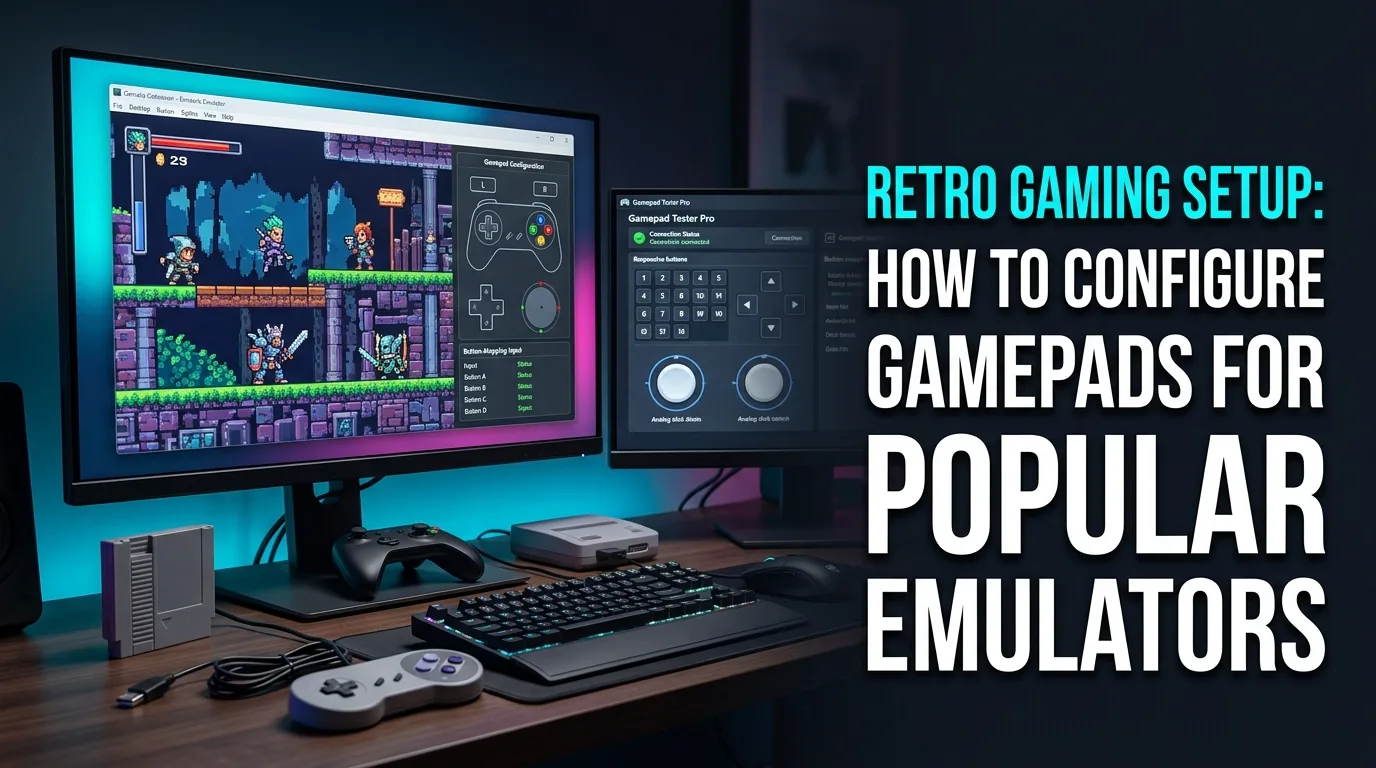
Configure RetroArch and Dolphin pads the reliable way: clean OS detection, sensible analog sensitivity, and profiles that survive restarts.
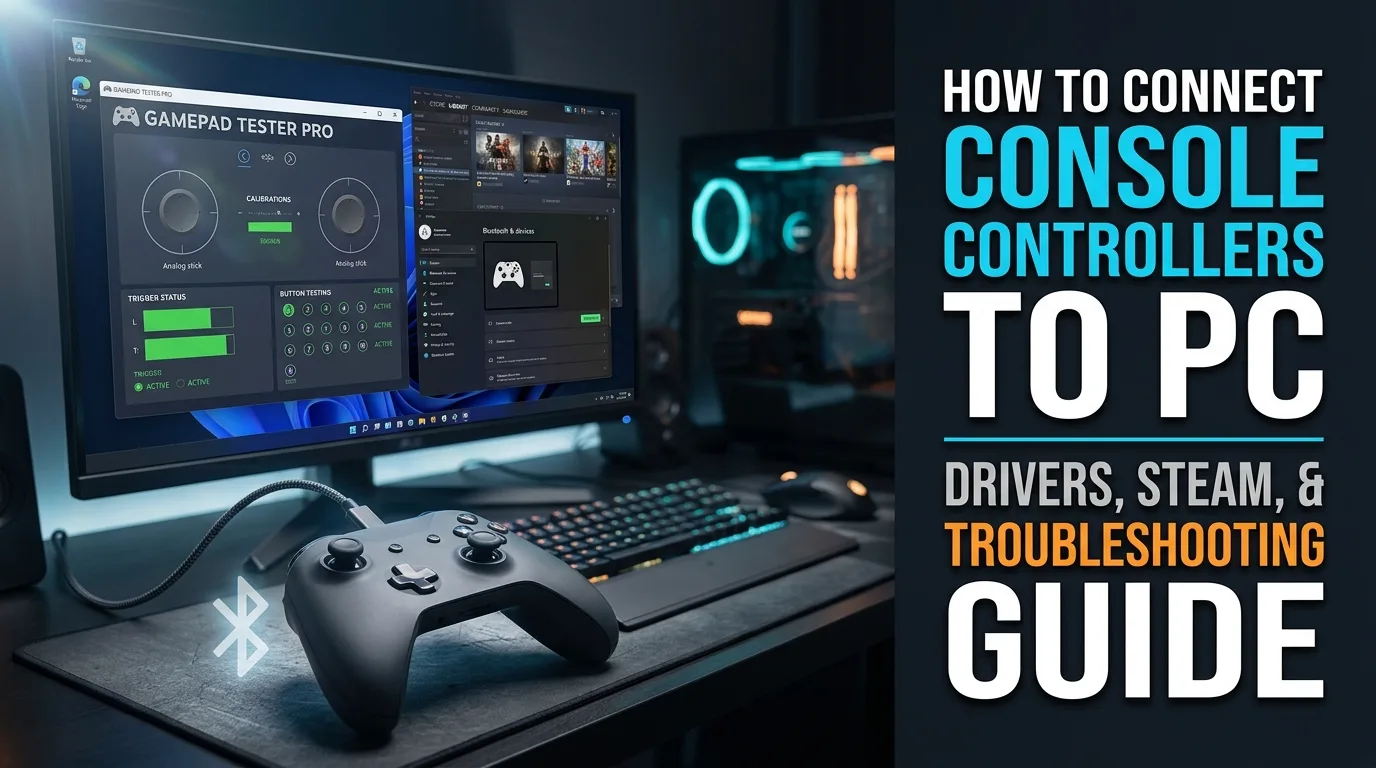
Connect DualSense and Xbox controllers to Windows, fix post-update driver errors, understand Steam’s role, and verify input with live browser tests.
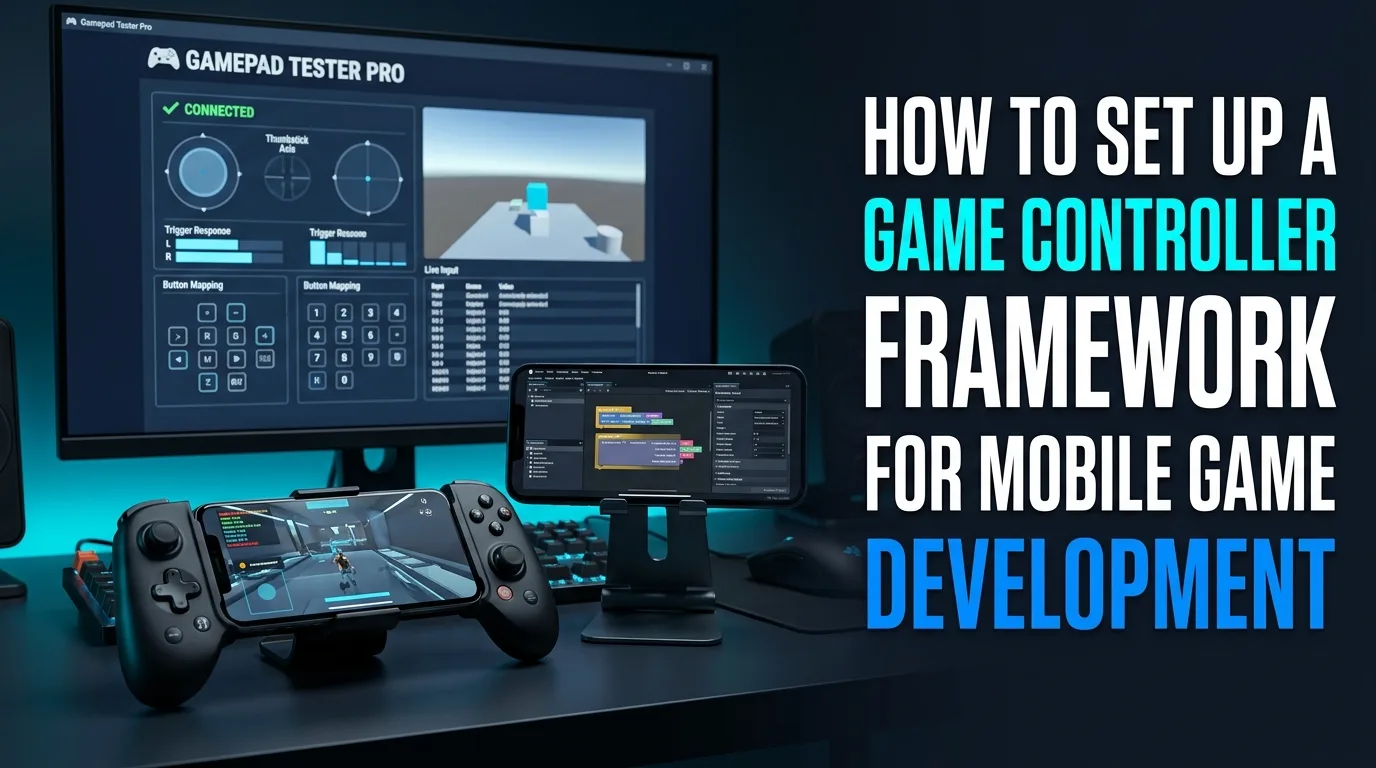
Pick an engine input system, map touch to physical buttons, support multi-brand pads, and validate controller support with real devices and browser tools.
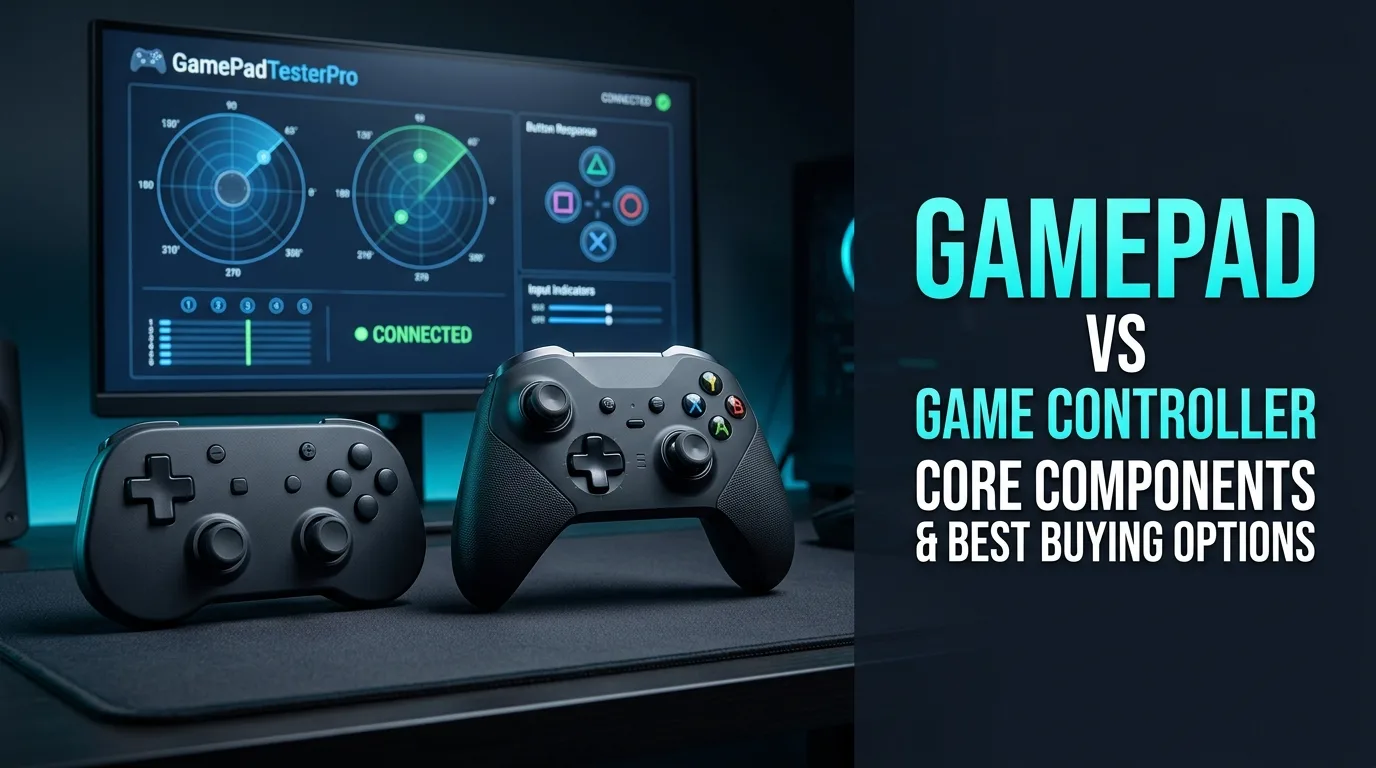
Clear up gamepad vs controller wording, learn the parts that fail first, and compare mechanical switches vs membranes before you buy a budget PC pad.
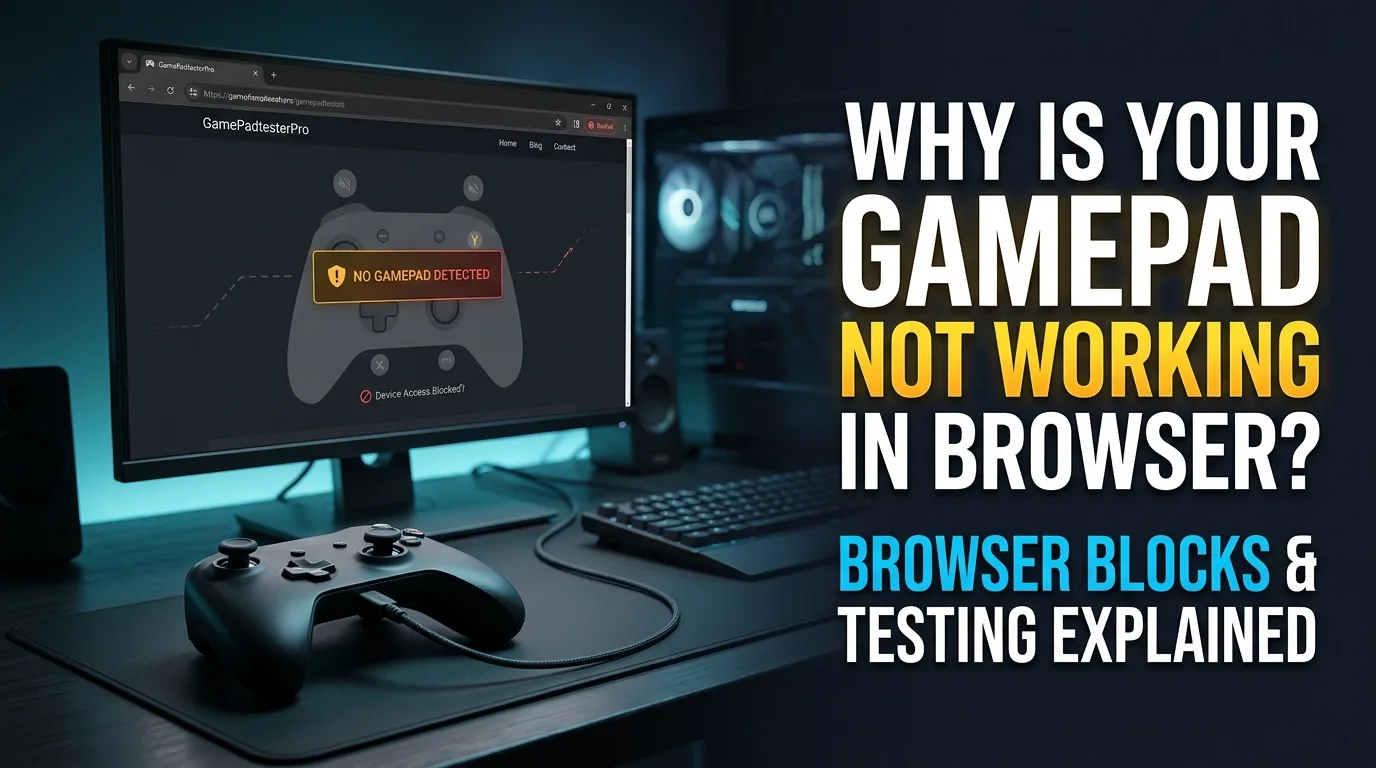
Understand HTTPS and permission blocks, test buttons and rumble in a free browser tester, and separate Gamepad API limits from DirectInput vs XInput game issues.
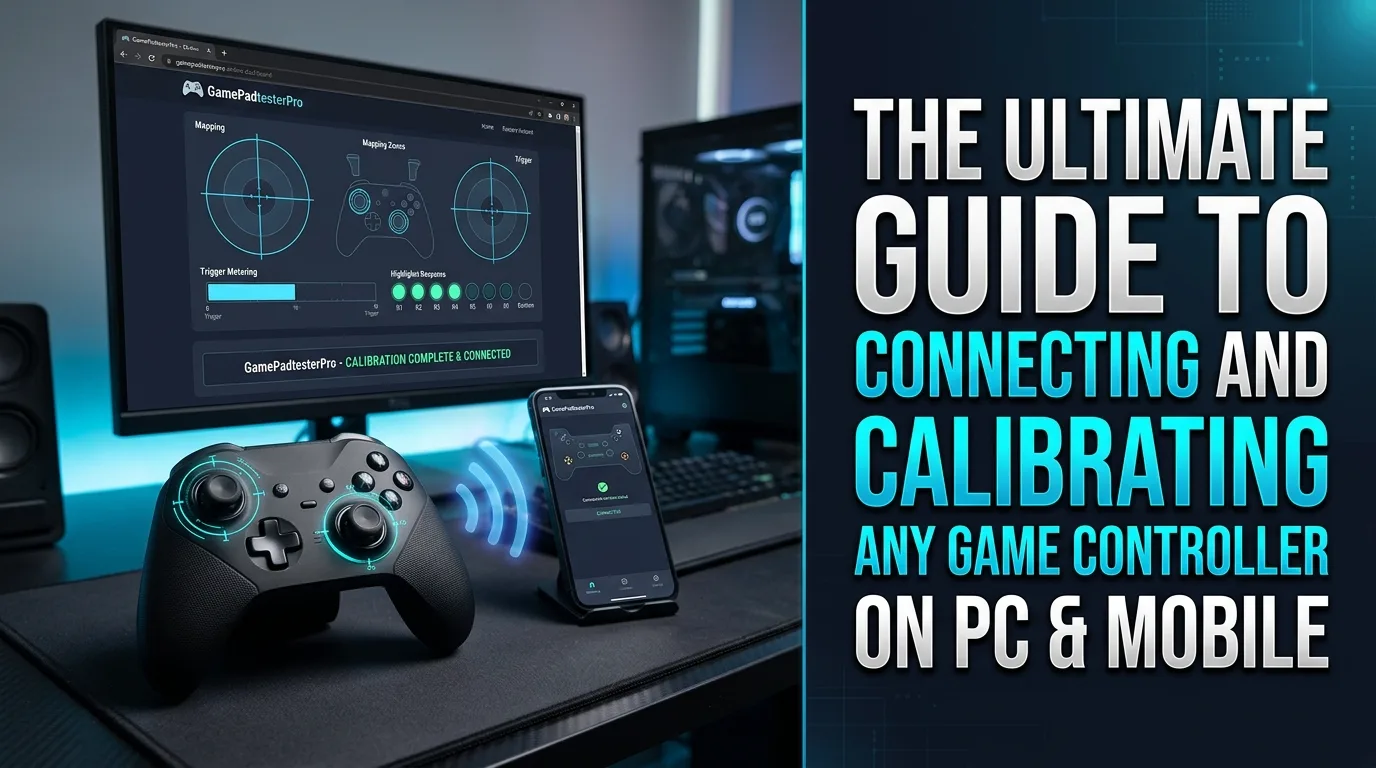
Pair wireless pads on PC, bring Xbox or PlayStation controllers to mobile, calibrate generic USB gamepads, and verify everything with live browser readings.
Measure stick drift with a calm browser idle test, check why rumble fails in web apps, and decide when cleaning or module repair beats software workarounds.
Understand XInput vs DirectInput, why indie games skip legacy pads, and how to verify the correct mode with browser testers.
Controller Input Lag vs Stick Drift: What Is the Difference?. Learn how to measure idle stick offset in a quiet browser test, compare left vs right, and decide whether cleaning, deadzone, or repair is next.
How to Check a Used Xbox Controller Before Buying. Run an Xbox pad through live Gamepad API panels for sticks, buttons, and triggers, then interpret what healthy Windows readings look like.
How to Check Controller Deadzone and Centering. See how center deadzone changes stick feel, explore the ignored radius visually, and avoid hiding real hardware wear with oversized game settings.
How to Check Controller Center Position. Check whether sticks return to true center at rest and what persistent offset means for aim and menus.
How to Test a Controller After Repair. Use live Gamepad API readings to answer a specific controller question, with clear next steps instead of generic filler. Built for post-repair retests.
How to Test Controller Drift on PC. Learn how to measure idle stick offset in a quiet browser test, compare left vs right, and decide whether cleaning, deadzone, or repair is next. Tuned for desktop browser checks.
How to Test a Bluetooth Controller on PC. Use live Gamepad API readings to answer a specific controller question, with clear next steps instead of generic filler. Tuned for desktop browser checks.
How to Test Controller Vibration on PC. Test browser rumble actuators honestly—including when missing web vibration does not mean dead motors. Tuned for desktop browser checks.
How to Test a Controller on PC: Buttons, Sticks & Input. Press one control at a time, confirm clean pressed/released states, and spot stuck, ghost, or double-fire inputs before you open the shell. Tuned for desktop browser checks.
Controller D-Pad Not Working: Test & Fix. Isolate D-pad failures from stick or hat mapping quirks with a deliberate directional press sequence.
Controller Analog Stick Moving by Itself: Causes & Fix. Learn how to measure idle stick offset in a quiet browser test, compare left vs right, and decide whether cleaning, deadzone, or repair is next.
How to Test an Xbox Controller With a Gamepad Tester. Run an Xbox pad through live Gamepad API panels for sticks, buttons, and triggers, then interpret what healthy Windows readings look like.
How to Test a Generic USB Gamepad. Prove a generic USB gamepad is awake, mapped, and reporting axes/buttons cleanly before you blame the game or drivers.
Xbox Controller Input Lag: How to Test & Fix It. Separate pad input delay from display/OS lag with a clear browser baseline, then check USB vs wireless before buying new hardware.
Complete Controller Testing Guide: Buttons, Sticks, Triggers & Vibration. Press one control at a time, confirm clean pressed/released states, and spot stuck, ghost, or double-fire inputs before you open the shell.
How to Check a Used PS5 Controller Before Buying. Walk DualSense detection, sticks, buttons, and optional USB extras so a PS5 pad on PC is diagnosed with real readings—not guesswork.
What Is Controller Polling Rate? Does It Matter?. Understand polling rate vs what a browser can show, and when higher Hz actually matters for your play style.
How to Test a PS5 Controller With a Gamepad Tester. Walk DualSense detection, sticks, buttons, and optional USB extras so a PS5 pad on PC is diagnosed with real readings—not guesswork.