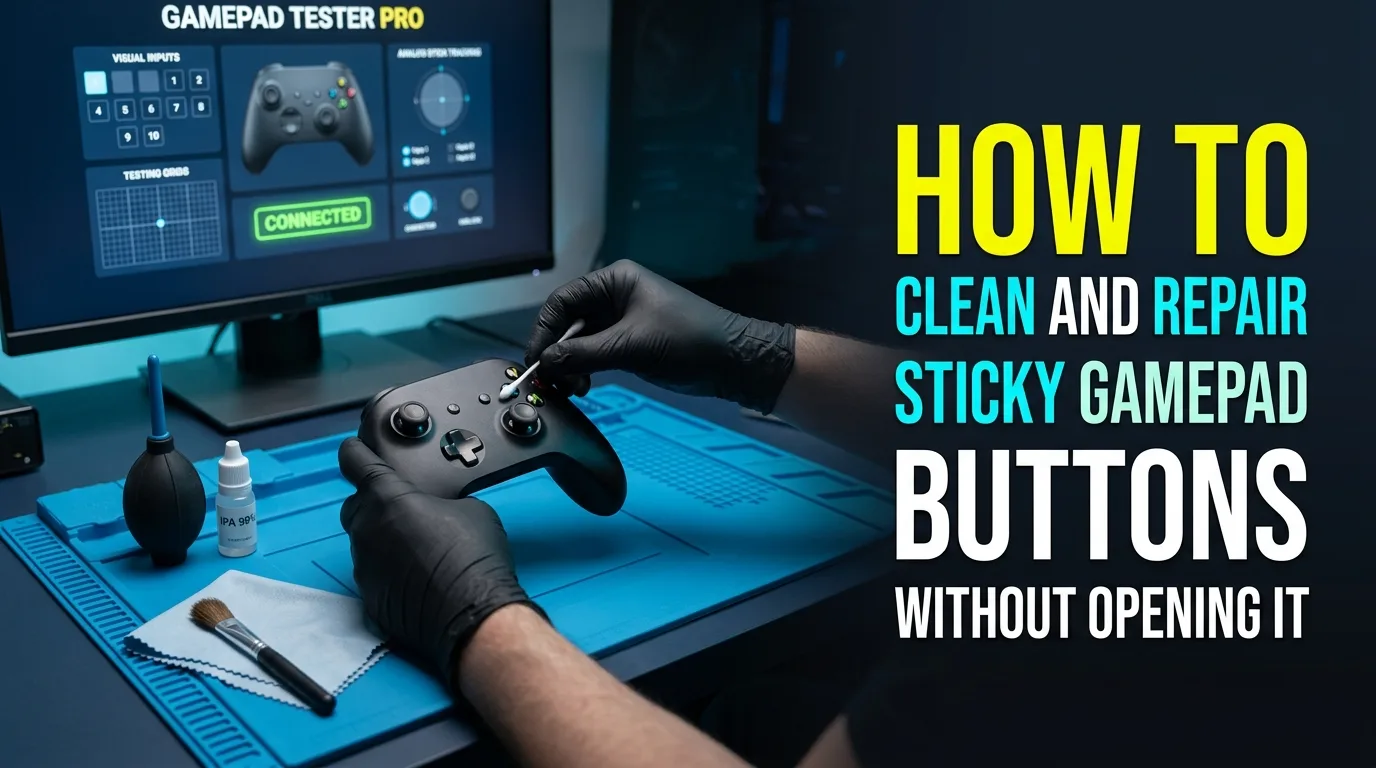
Sugar drinks and dust make face buttons sticky long before modules die. Learning to clean sticky controller buttons safely?and knowing when you cannot fix loose gamepad triggers without opening?saves pads and warranties.
Always verify presses in a browser button tester after each cleaning pass so you know whether the work helped.
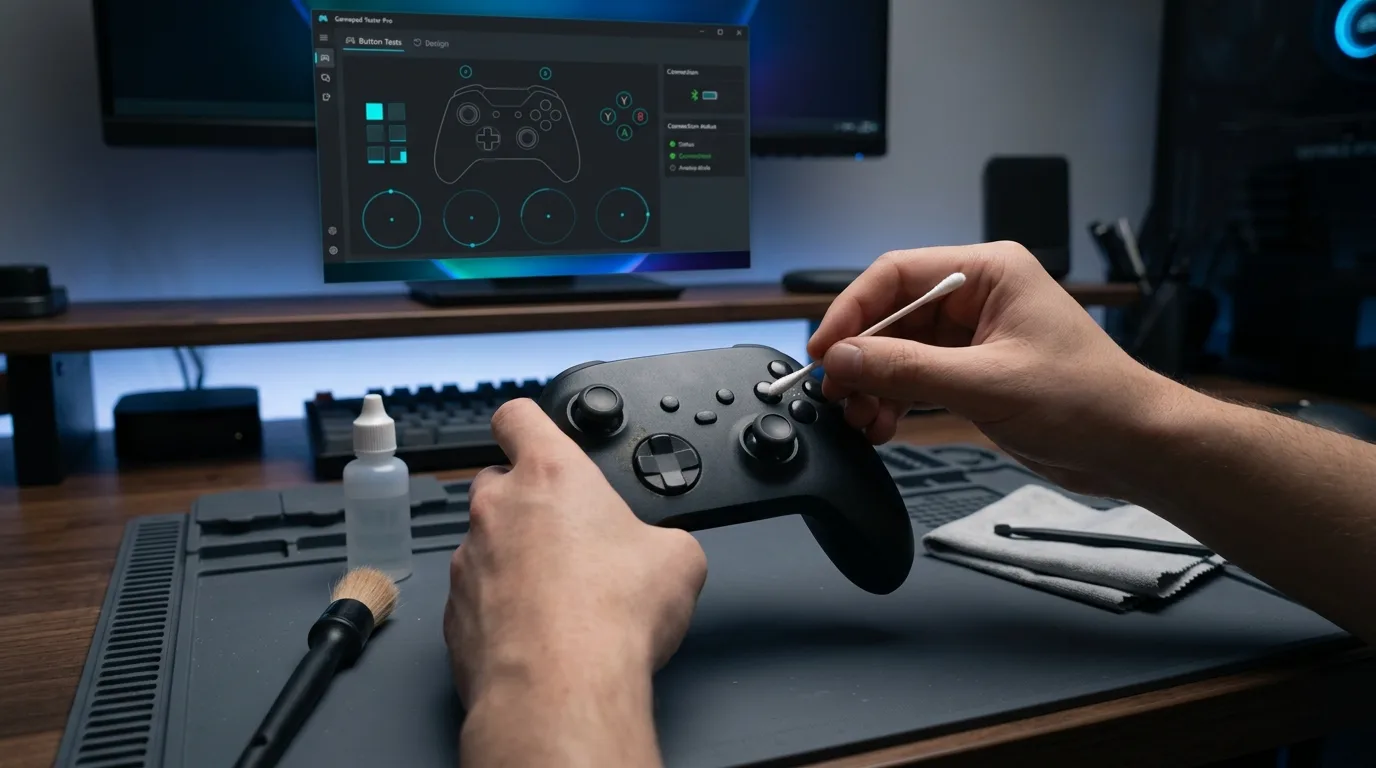
How do you clean sticky buttons without a full teardown?
- Power off and remove batteries if possible.
- Use high-purity isopropyl on a lint-free swab around button rims.
- Never flood the PCB or pour liquid into the shell.
- Press repeatedly to work residue out.
- Let the pad dry fully before power-up.
- Retest on Controller Button Test.
Compressed air helps with dry dust at the edges. Avoid household cleaners that leave films or attack plastics.
What about sticky bumpers and loose triggers?
LB and RB often use tiny tactile switches that crack or fill with debris. External cleaning helps lightly. Dead clicks usually need switch replacement inside the shell.
Loose or squeaky triggers may be springs or rails. Confirm analog travel still looks smooth in Controller Tester before you force parts. If the value jumps or sticks mid-travel, plan an internal inspection.
When must you open the controller?
- Liquid spilled under the membrane
- Button stuck fully down with no external residue
- Bumper switch clicks with no electrical change
- Trigger spring visibly detached through gaps
Safety and warranty notes
Opening many pads voids warranty. If the unit is new, contact support before invasive cleaning. For out-of-warranty pads, photograph each step so reassembly order stays clear.
Verification routine after cleaning
Press every face button, bumper, stick click, and D-pad direction slowly. Watch for values that hang mid-range. Check triggers from released to fully pressed. Optional rumble on Vibration Test confirms the pad still enumerates cleanly after the session.
Frequently asked questions
Can I use alcohol wipes on the shell?
Lightly on exterior plastics is usually fine. Keep liquid away from stick modules and open seams.
Why is only one button sticky?
Localized spill residue is common. Clean that rim thoroughly and retest before opening the whole pad.
Do sticky buttons mean stick drift too?
Not necessarily. Test idle sticks separately on Stick Drift Test.
Is rice a good drying method?
No. Prefer air drying after isopropyl. Rice dust can make debris worse.
When should I replace instead of clean?
When multiple switches fail electrically after careful cleaning, or when repair cost exceeds a healthy replacement.
Next steps
Clean conservatively, verify with live button cards, and only open the shell when electrical failure remains. Bookmark Gamepad Tester for every maintenance pass.
Material choices that do not create new damage
High-purity isopropyl and lint-free swabs are the default. Avoid oils, erasers that shed grit, and soaking baths. Keep liquids away from stick modules even when the complaint is only face buttons.
Proof after every cleaning pass
Slow presses on Controller Button Test reveal hangs mid-range that frantic mashing hides. Check bumpers and triggers on Controller Tester. If electrical state never changes, stop external cleaning and plan switch service.
Spill response timeline
Power off immediately, remove batteries when possible, wick moisture, and wait for a full dry before charging. Then verify input. Sticky residue can appear days later as sugar recrystallizes, so schedule a follow-up test.
Matching the page to the real search query
People who land on this page from Google usually want a direct answer about sticky buttons, then a trustworthy path for isopropyl cleaning. This section expands that intent with practical detail you can reuse on PC, and where relevant on console-style pads brought to Windows.
Start by proving the device is visible. Open Controller Detection and press any button. If detection fails, stop reading advanced tips and fix cables, pairing, or power first. If detection succeeds, move into Controller Tester for a full control family pass, and use Controller Button Test when only digital controls are in doubt.
For issues tied to isopropyl cleaning, keep a quiet idle ritual on Stick Drift Test when sticks matter. Games lie with deadzones. Browser idle samples do not. Write the worst reading you see, plus whether you were on USB or Bluetooth.
Readers comparing SERP results for sticky buttons need more than a definition. They need a sequence that survives messy real desks: weak cables, busy Bluetooth neighborhoods, and games that hide symptoms.
Unique to this topic: treat sticky buttons as the primary promise of the page, use isopropyl cleaning as the diagnostic lens, and only escalate to trigger travel after bumper switches checks are honest.
Step sequence for stubborn bumper switches cases
- Reproduce the problem once so you know the starting symptom related to sticky buttons.
- Switch to USB when possible to remove radio noise from the experiment.
- Confirm OS-level presence, then confirm browser presence on Gamepad Tester.
- Run the focused checks that match bumper switches for this topic.
- Change one variable at a time and retest after each change.
- Stop when three matching samples agree, not after a single scary spike.
Clear steps, honest limits, and a next action reduce the chance you buy replacement hardware for a permissions, cable, or mode-switch problem tied to sticky buttons.
When trigger travel enters the story, keep notes. Firmware updates, Steam overrides, and vendor apps change behavior overnight. A dated baseline on Gamepad Tester turns guesswork into comparison.
When isopropyl cleaning is the pain point, isolate it from unrelated issues. A sticky bumper can feel like lag. A mode switch can feel like a dead pad. Measure before you spend.
For bumper switches, keep vendor myths out of the first hour. Official firmware tools and clean OS detection beat random registry tips.
Regression checks after OS or firmware changes
After travel, spills, OS updates, or a used purchase, rerun a short health pass: detection, buttons, idle sticks, triggers, then optional rumble. That routine catches regressions early for anything related to sticky buttons and trigger travel.
If results conflict between Bluetooth and USB, trust USB for hardware judgment and treat wireless as a separate radio project. If results conflict between a game and the browser, trust the browser for raw presence and investigate the game layer next.
Bookmark Controller Detection, Controller Button Test, Controller Tester, and Stick Drift Test. Reuse them whenever isopropyl cleaning or bumper switches shows up again instead of starting from forum folklore.
Finally, reconnect trigger travel to your notes. If the next OS update changes behavior, your dated Gamepad Tester baseline shows what shifted.
How to know the problem is actually solved
You should leave with a written symptom, a measured browser result, and a decision: keep playing, clean, remap, repair, or replace. That decision quality is what separates people-first guides from thin keyword pages about sticky buttons.
If you publish clips or ask for help, include the controller name string, connection type, browser, and the exact panel readings. Those four facts make remote advice useful for isopropyl cleaning cases.
Return to this page after repairs. A second measured pass is how you confirm bumper switches and trigger travel actually improved, not just felt better for one match.
Comments
Comments are moderated. New comments stay hidden until an admin approves them.
No public comments yet. Be the first to leave a helpful note.