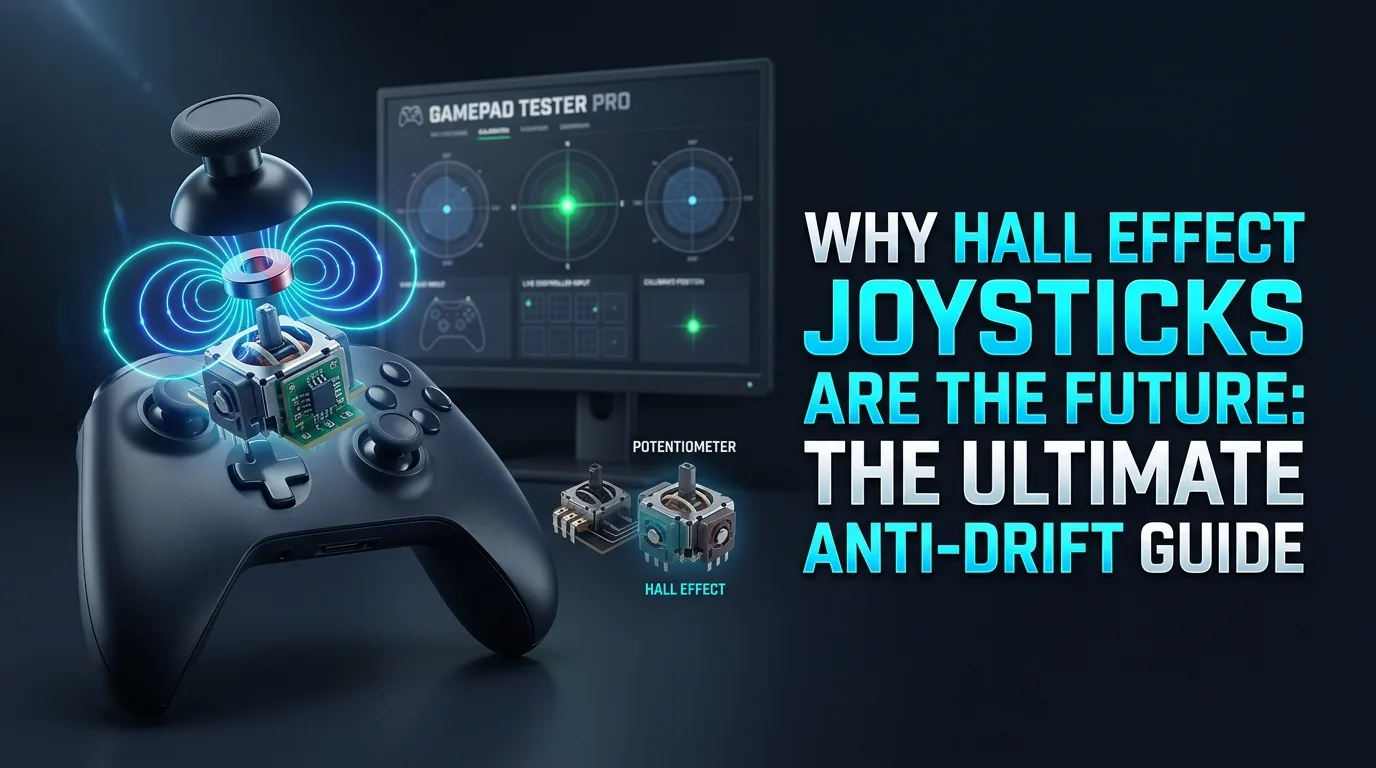
Potentiometer sticks scrape a contact surface until readings wander. That is classic stick drift. Comparing hall effect joysticks vs potentiometer designs explains why many anti drift controller pages push magnetic modules.
Hall sensing avoids that friction surface, but quality still varies. Verify idle health online before and after any module swap instead of trusting slogans.
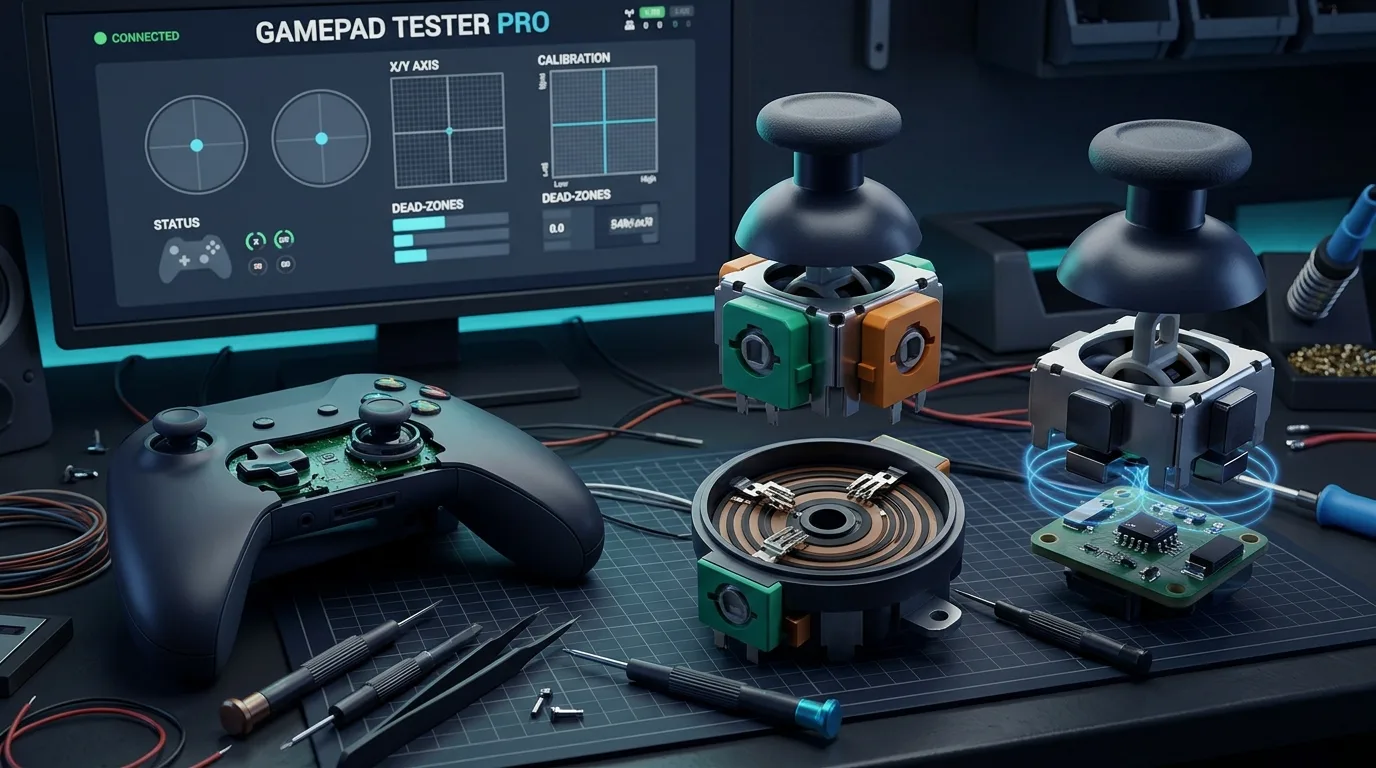
Why do potentiometer sticks drift?
Wear, debris, and spring fatigue shift the resting voltage. Prove it with idle samples on Stick Drift Test. Do not trust a single match feel, especially in games with strong aim assist.
Both sticks elevated can still be hardware, but also check desk vibration and cable noise before you order two modules.
How do Hall effect joysticks reduce drift?
Magnetic position sensing removes the carbon track wear path. Many modern third-party pads and some revisions advertise Hall sticks for exactly that reason.
They can still feel wrong if gates are loose, firmware calibration is poor, or the module is installed incorrectly. Anti-drift is a tendency, not an absolute guarantee.
How should you verify anti-drift claims?
- Sample idle on USB for several seconds.
- Compare left and right magnitudes.
- Sweep circularity and full range on Analog Stick Test.
- Retest after a day of play to catch early failures.
- Keep notes so warranty claims have evidence.
DIY Hall module swaps: realistic expectations
Replacing modules requires soldering skill and the correct board revision. After any swap, retest idle and circularity on Gamepad Tester. Official DualShock and DualSense center or range writes belong in PS4 / PS5 Calibration on supported USB setups. That lab is not a substitute for careful hardware work.
Buying tips without hype lists
Prefer clear module claims, warranty terms, and replaceable sticks when possible. Price alone does not prove Hall quality. After purchase, baseline on Gamepad Tester immediately.
Frequently asked questions
Do Hall sticks never drift?
They resist classic pot wear. Mechanical issues and bad calibration can still create unwanted motion.
Can software fix pot drift permanently?
Deadzones hide mild noise. They do not restore worn tracks.
Should I replace both sticks at once?
If one is worn and the pad is old, many technicians replace both for balanced feel, but verify with measurements first.
Is circularity the same as drift?
No. Drift is idle offset. Circularity describes how evenly the stick reaches outer range.
Are first-party Hall revisions required?
Not always. Evaluate measured idle health and warranty more than brand slogans.
Next steps
Measure, then decide on cleaning, Hall upgrades, or replacement. Numbers beat forum anecdotes when your aim is on the line.
Measuring before and after a Hall upgrade
Capture idle and circularity numbers before you desolder anything. After install, repeat the same USB protocol on Stick Drift Test and Analog Stick Test. If idle improves but circularity collapses, the module seating or gate geometry needs attention.
Firmware and calibration after hardware changes
Some pads need vendor calibration utilities after module swaps. DualShock 4 and DualSense owners may need USB WebHID center or range writes via PS4 / PS5 Calibration on supported setups. Skipping calibration leaves “new Hall sticks” feeling crooked.
Buying and warranty strategy
Prefer clear return policies and documented module types. Baseline on Gamepad Tester the day the pad arrives so you can prove regression later.
Intent map for Hall effect joysticks queries
People who land on this page from Google usually want a direct answer about Hall effect joysticks, then a trustworthy path for potentiometer wear. This section expands that intent with practical detail you can reuse on PC, and where relevant on console-style pads brought to Windows.
Start by proving the device is visible. Open Controller Detection and press any button. If detection fails, stop reading advanced tips and fix cables, pairing, or power first. If detection succeeds, move into Controller Tester for a full control family pass, and use Controller Button Test when only digital controls are in doubt.
For issues tied to potentiometer wear, keep a quiet idle ritual on Stick Drift Test when sticks matter. Games lie with deadzones. Browser idle samples do not. Write the worst reading you see, plus whether you were on USB or Bluetooth.
Readers comparing SERP results for Hall effect joysticks need more than a definition. They need a sequence that survives messy real desks: weak cables, busy Bluetooth neighborhoods, and games that hide symptoms.
Unique to this topic: treat Hall effect joysticks as the primary promise of the page, use potentiometer wear as the diagnostic lens, and only escalate to post-swap calibration after anti drift checks are honest.
Do this in order when post-swap calibration complicates things
- Reproduce the problem once so you know the starting symptom related to Hall effect joysticks.
- Switch to USB when possible to remove radio noise from the experiment.
- Confirm OS-level presence, then confirm browser presence on Gamepad Tester.
- Run the focused checks that match anti drift for this topic.
- Change one variable at a time and retest after each change.
- Stop when three matching samples agree, not after a single scary spike.
Clear steps, honest limits, and a next action reduce the chance you buy replacement hardware for a permissions, cable, or mode-switch problem tied to Hall effect joysticks.
When post-swap calibration enters the story, keep notes. Firmware updates, Steam overrides, and vendor apps change behavior overnight. A dated baseline on Gamepad Tester turns guesswork into comparison.
When potentiometer wear is the pain point, isolate it from unrelated issues. A sticky bumper can feel like lag. A mode switch can feel like a dead pad. Measure before you spend.
For anti drift, keep vendor myths out of the first hour. Official firmware tools and clean OS detection beat random registry tips.
Retest triggers that matter for this topic
After travel, spills, OS updates, or a used purchase, rerun a short health pass: detection, buttons, idle sticks, triggers, then optional rumble. That routine catches regressions early for anything related to Hall effect joysticks and post-swap calibration.
If results conflict between Bluetooth and USB, trust USB for hardware judgment and treat wireless as a separate radio project. If results conflict between a game and the browser, trust the browser for raw presence and investigate the game layer next.
Bookmark Controller Detection, Controller Button Test, Controller Tester, and Stick Drift Test. Reuse them whenever potentiometer wear or anti drift shows up again instead of starting from forum folklore.
Finally, reconnect post-swap calibration to your notes. If the next OS update changes behavior, your dated Gamepad Tester baseline shows what shifted.
Evidence pack for warranty or support
You should leave with a written symptom, a measured browser result, and a decision: keep playing, clean, remap, repair, or replace. That decision quality is what separates people-first guides from thin keyword pages about Hall effect joysticks.
If you publish clips or ask for help, include the controller name string, connection type, browser, and the exact panel readings. Those four facts make remote advice useful for potentiometer wear cases.
Return to this page after repairs. A second measured pass is how you confirm anti drift and post-swap calibration actually improved, not just felt better for one match.
Comments
Comments are moderated. New comments stay hidden until an admin approves them.
No public comments yet. Be the first to leave a helpful note.