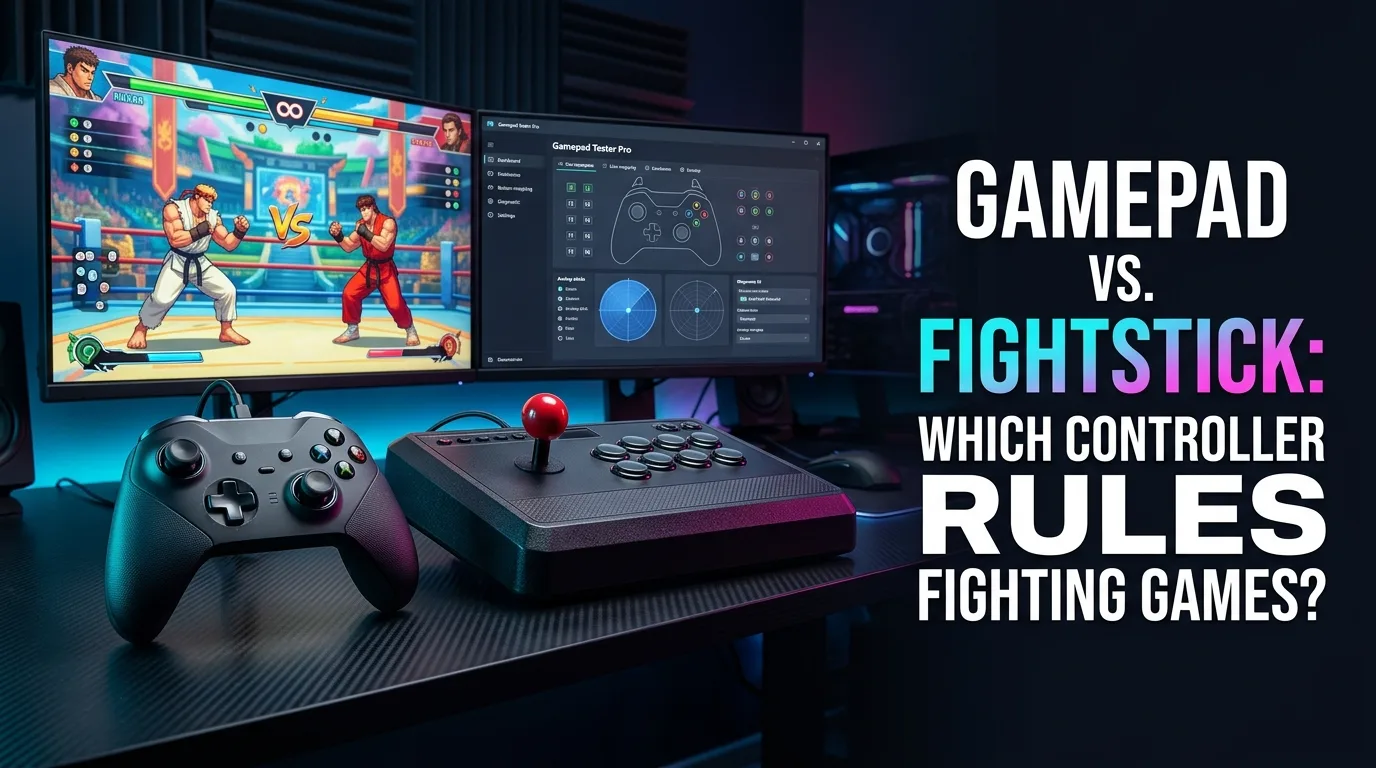
Gamepad vs. Fightstick: Which Controller Rules Fighting Games? For fighting games, the choice between a gamepad and a fightstick shapes how you move, how you attack, and how fast you improve. This guide compares both honestly — lever feel, button access, cost, and competitive reality — so you can choose by your game, your hands, and your budget, not by hype.
Why do fightsticks and hitboxes dominate high level play?
At high level play, fighting games reward precise, repeatable motion inputs under pressure. A fightstick lever gives each direction a physical engage point you can feel, so quarter-circles, half-circles, and dragon-punch motions become consistent even when your hands are tense. Hitboxes replace the lever with buttons for directions, giving instant, perfectly clean inputs with no travel time. Gamepads can execute the same motions, but the smooth analog stick offers no tactile checkpoints, so consistency depends entirely on muscle memory. That feedback gap is why most tournament top-8s play on sticks or hitboxes — not because pads cannot compete, but because the hardware forgives less under pressure.
How should you transition from pad to stick or hitbox?
Transition slowly and expect a skill dip first. Keep playing your main game on pad while you practice basics on the new device: movement, blocking, and one or two special motions, ten minutes a day. After a week, move one matchup or one mode to the stick; after a month, judge honestly whether your execution is cleaner than on pad. Do not switch the week before a tournament. Most players who quit sticks do so in the first two weeks, before muscle memory forms — the ones who persist past a month usually stay. If your hands hurt on either device, stop and reassess grip and posture before pushing through pain.
What is SOCD cleaning and why does it matter?
SOCD means simultaneous opposing cardinal directions — pressing left and right, or up and down, at the same time. On a lever this cannot happen physically, but on a hitbox (all-button controller) it can, so tournament rules require SOCD cleaning: the controller's firmware resolves opposing inputs to a legal output, usually neutral for left-plus-right and up for up-plus-down. If you play a hitbox in tournaments, confirm your device has SOCD cleaning enabled and matches the event's rules — an uncleaned hitbox can be disqualified. On pads and sticks this is a non-issue, which is one quiet advantage of lever play.
Pad advantages you should not ignore
Pads win on portability, price, versatility, and comfort for everything outside fighting games. A pad fits a pocket, works for every genre, costs less than most sticks, and needs no desk or lap space. Pad players also keep one huge practical edge: they already own the controller, so every practice hour goes to the game, not to relearning hardware. Modern pads with good D-pads close much of the execution gap for motion inputs, and some top players compete — and win — on pad at the highest level. A pad is not a compromise; it is a complete competitive choice with different strengths.
Hardware health checklist for competitive play
Before a tournament or a ranked session, run a quick health pass. Buttons: every button registers once per press with a clean release, no sticking or doubling. Lever or stick: directions engage cleanly, diagonals register, and the stick returns to center. Cable: no intermittent disconnects when wiggled. Firmware: updated, with SOCD cleaning confirmed on hitboxes. If anything fails, fix it before you play — a faulty button in a tournament set costs more than a week of practice. Keep a spare cable and, for sticks, a spare button in your bag; both are cheap insurance.
Frequently asked questions
Is a fightstick required to compete?
No. Pads, sticks, and hitboxes all appear at top level. The requirement is execution you can repeat under pressure, on hardware you trust.
How long does switching to stick take?
Most players need four to eight weeks of regular practice to match their pad execution. Judge after a month of consistent use, not after a weekend.
Are hitboxes legal in tournaments?
Yes at most events, provided SOCD cleaning is enabled and the device meets the event's rules. Always check the specific tournament's controller rules before travelling.
Next steps
Decide by genre first: if fighting games are your main game, try a stick or hitbox for a month. If they are one genre among many, stay on pad and invest practice hours instead. Either way, test your hardware before it matters — a health pass beats a hardware excuse every time.
Choosing by genre and injury history
Genre decides the device more than brand loyalty does. Pure fighting-game players benefit most from sticks or hitboxes. Players who split time across shooters, platformers, and fighters usually stay on pad, because switching devices per genre fragments muscle memory. Injury history matters too: wrist or thumb pain pushes some players toward hitboxes (no lever strain) or toward pads with ergonomic grips; never play through pain on a device that causes it. Choose the device your hands and your game list agree on.
Tournament bag essentials
Pack for failure, not for comfort: the controller itself, a spare cable, a spare button or two for sticks, a small screwdriver, and your profile or layout notes. Arrive early enough to test on the event setup — different monitors, USB hubs, and console versions can change feel. Confirm SOCD rules for hitboxes and button-binding rules for your game before your first match. A bag packed the night before beats a frantic search at the venue.
Pad players still belong in high level play
The idea that pad players cannot compete at high level is outdated. Modern pads, better D-pads, and players who grew up on pad have closed the gap, and tournament results prove it regularly. What matters is not the device class but execution consistency, matchup knowledge, and composure. If you play best on pad, play on pad — switching to a stick for status reasons alone is the most expensive way to get worse before you get better.
What Google searchers usually want from this topic
Most searchers want a direct answer: which controller should I buy for fighting games? The honest answer is conditional — stick or hitbox for dedicated fighting-game players, pad for everyone else — and the rest of this guide exists to make that condition concrete: lever feel, button access, cost, travel, and health. If you came here for a one-word answer, take the conditional one; it will save you more money than any single recommendation.
Hands-on path when tournament bag is the blocker
If the barrier is not skill but logistics — no bag, no space, no travel setup — solve logistics before hardware. Borrow a stick for a week, test it at home, and only buy once you know the size fits your life. A stick you cannot transport to events is a practice tool, not a tournament tool, and that distinction should decide the purchase.
How often should you retest after a fix?
After any repair or part swap, retest immediately and again after a week of play. Immediate retests catch install errors; week-later retests catch parts that settle or loosen. For tournament players, add a pre-event retest to the bag checklist. A controller that passes once but fails under event conditions was never truly fixed.
Decision checklist before you buy or repair
Before spending, answer five questions. One: is my main game a fighting game, or one genre among many? Two: have I tested the device class for at least a week? Three: does my play space and travel allow its size? Four: is my current hardware actually failing, or am I shopping for a skill shortcut? Five: can I afford the device plus the practice time it demands? Honest answers here prevent most regret purchases.
Lever vs analog stick: why inputs feel different
A fightstick lever and a gamepad stick look similar but report motion differently. A lever clicks through a gate with distinct engage points for each direction, so a quarter-circle or dragon-punch motion has tactile checkpoints you can feel and hear. An analog stick moves smoothly with no clicks, so the same motion depends on muscle memory alone. That tactile feedback is the fightstick's core advantage in fighting games: complex motions become repeatable because every step of the motion has a physical cue. The trade-off is speed on non-fighting inputs — a lever is clumsy for camera control and menus, where a smooth stick wins. Judge the lever on motion inputs, not on everything a pad does.
Buttons, gates, and layouts: the parts that decide matches
Three hardware choices decide how a fightstick feels. Buttons: arcade buttons are large, low-travel, and easy to hit with multiple fingers, which suits the multi-button presses fighting games demand; pad face buttons are smaller and tighter, which suits everything else. Gates: a square gate (the default) gives distinct corners for diagonal inputs but a notchy feel on circles, while an octagonal gate smooths circular motions at the cost of slightly mushier corners — most players start square and switch only if circles feel wrong. Layout: the standard 8-button arcade layout puts all attacks under the fingers at once, while a pad forces thumb-based access. None of these is objectively better; they are preferences that become muscle memory, and switching layouts mid-season costs weeks of retraining.
Which genres actually favor a fightstick
Fightsticks dominate one genre and lose nearly everywhere else. Fighting games: the lever's motion feedback and the button layout's multi-press access make fightsticks the competitive standard. Arcade and retro titles: the same advantages apply to shmups and beat-'em-ups with motion inputs. Everything else — shooters, platformers, open-world games, racing — favors a gamepad's sticks, triggers, and portability. A fightstick is a specialist tool, not a general controller: buying one for a single fighting game you play seriously is rational; buying one as your only controller is not. Own the pad first, add the stick when one genre earns it.
Modding and price: what your money buys
Fightsticks are the most moddable controllers in gaming, and that changes the value math. Entry sticks cost roughly what a good pad costs and are fully playable; mid-range sticks add better buttons, levers, and build quality; premium sticks add metal bodies, custom art, and tournament-grade parts. Nearly every part — lever, gate, buttons, cable — swaps with basic tools, so a cheap stick can grow into a premium one piece by piece, and a broken button is a five-minute fix instead of a replacement. Pads, by contrast, are mostly sealed: a drifting stick or dead bumper usually means a new pad. If you enjoy tinkering, a fightstick's lifetime cost can end up lower than a pad's; if you never mod, the pad wins on simplicity.
Travel, desk space, and daily life with a fightstick
A fightstick's size is its hidden cost. It needs lap or desk space, weighs several times a pad, and does not fit a jacket pocket or a small bag — tournament players carry dedicated bags for a reason. At home that size is a feature: the stick stays planted during aggressive play, while a pad can shift in sweaty hands. On the go it is a burden: couch play, travel, and quick sessions all favor the pad you can grab one-handed. Before buying, measure your actual play space and be honest about where you play — a stick that lives in a closet because it is inconvenient helps no one, however good its buttons feel.
Frequently asked questions
Will a fightstick make me better at fighting games?
Not by itself. It makes complex motions more repeatable once you retrain muscle memory, which takes weeks. A skilled pad player beats an unskilled stick player every time — the hardware enables practice, it does not replace it.
Can I use a fightstick for non-fighting games?
You can, but it is awkward: no analog sticks for cameras, no triggers for driving or aiming, and a large footprint. Keep a pad for everything else and use the stick for its genre.
Is an expensive fightstick worth it over a cheap one?
For a first stick, no — start affordable and upgrade the parts you actually feel (usually buttons first, then the gate). Premium sticks pay off only once you know which parts matter to your hands.
Comments
Comments are moderated. New comments stay hidden until an admin approves them.
No public comments yet. Be the first to leave a helpful note.