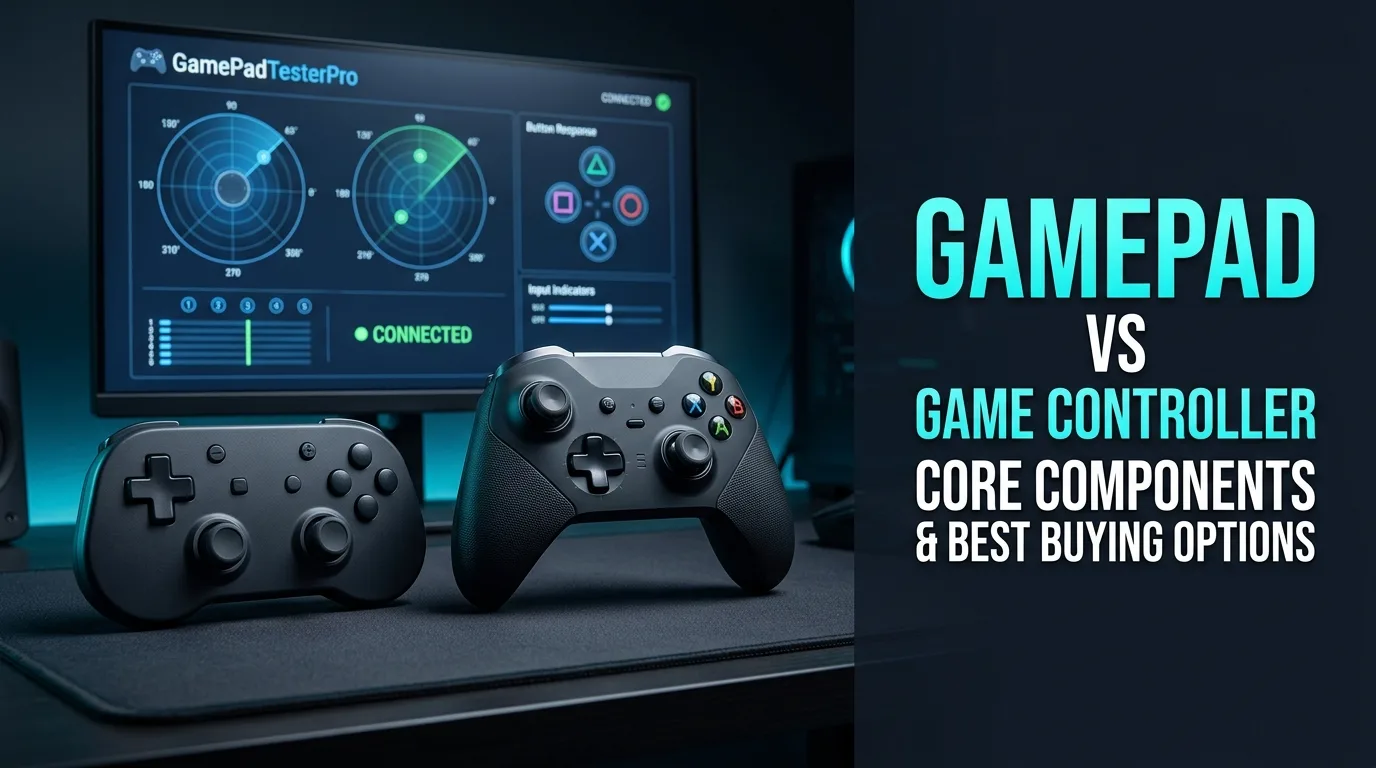
Shoppers type gamepad vs game controller because product pages use both terms loosely. Functionally, a modern dual-stick handheld pad is a game controller. “Gamepad” usually means that form factor rather than a wheel, fightstick, or dance pad. What matters for longevity is not the label. It is sticks, switches, triggers, and haptics you can verify.
This buying-oriented guide breaks down the parts that fail first, compares mechanical switches with membranes, and shows how to baseline a budget PC pad on Gamepad Tester before the return window closes.
Is a gamepad the same as a game controller?
Historically, “gamepad” described compact console pads while “controller” covered joysticks, wheels, and specialty kits. Today the words overlap in retail search. When you test hardware, ignore the marketing noun and verify live input on Controller Tester.
If a listing promises pro features but fails a basic button and stick pass, the wording on the box will not save the session.
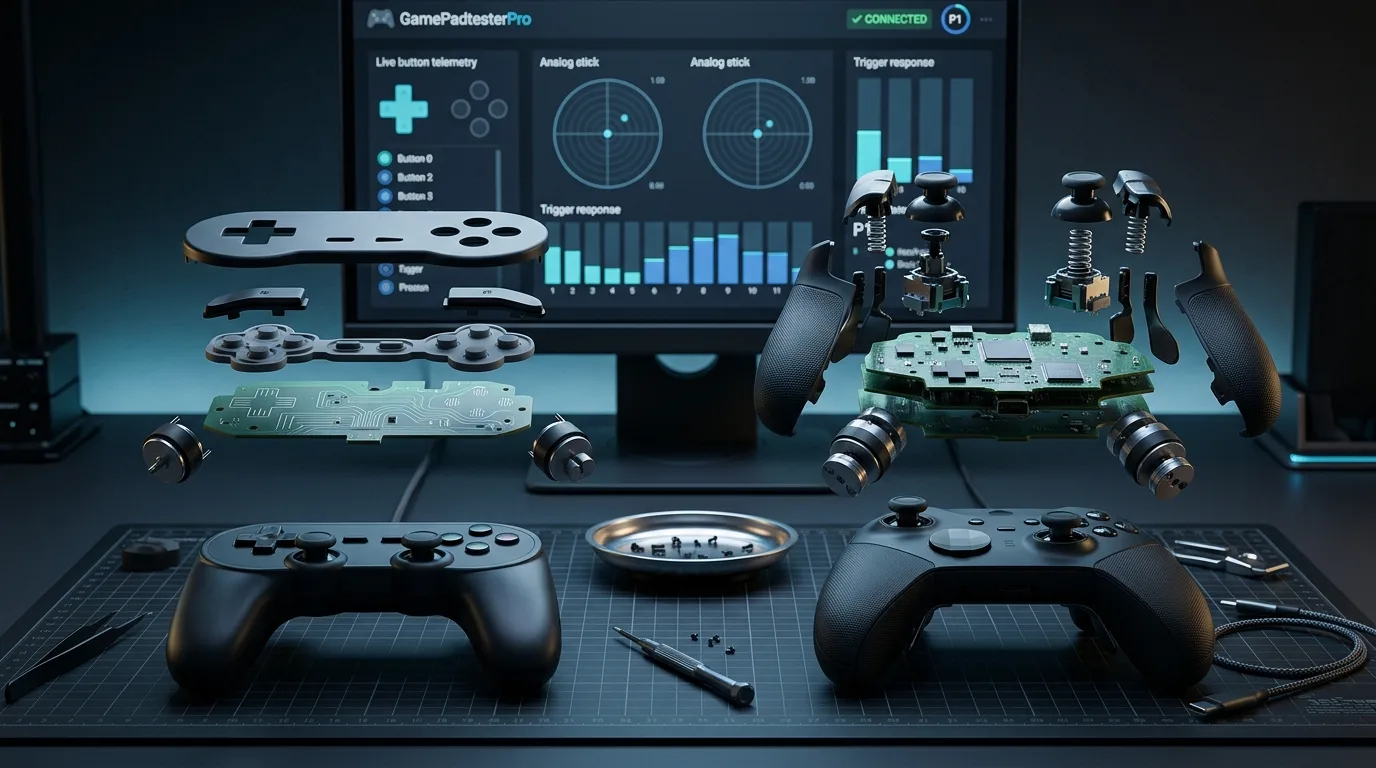
What are the core components of a modern gamepad?
- D-pad — digital directions. Cheap membranes ghost or mush under fighting-game loads.
- Analog sticks — potentiometer or Hall modules. Drift shows up on Stick Drift Test.
- Triggers — analog travel for racing and shooting. Watch smooth range in the tester.
- Bumpers — often tiny tactile switches that crack before face buttons do.
- Haptics — motors or advanced actuators. Browser pulses on Vibration Test are a baseline, not every native effect.
- Wireless radio and battery — pairing quality and cell health change feel as much as stick tension.
Mechanical switch controller vs membrane: which should you buy?
A mechanical switch controller uses discrete switches under face buttons (and sometimes bumpers) for shorter, clickier actuation and longer rated life. Membrane pads are quieter and cheaper, but they mush out sooner under mash-heavy genres.
Prefer mechanical if you play fighters or want tactile certainty. Membranes remain fine for casual play and quieter late-night sessions. Neither design excuses skipping a stick idle check on a used unit.
What should a budget PC gamepad actually include?
Value picks need reliable XInput mode, solid sticks, and a replaceable cable or battery path. Hall sticks are a plus when the modules are well calibrated. Avoid mystery driver packs bundled as “pro software.”
Before trusting a used purchase, run buttons, sticks, triggers, and rumble on Gamepad Tester. We do not hard-rank affiliate top lists here. Match your budget to verified input health instead of hype carousels.
How do you baseline a new pad in ten minutes?
- Connect over USB and open Gamepad Tester.
- Confirm detection on Controller Detection.
- Press every digital control on Controller Button Test.
- Sample idle sticks, then sweep full range.
- Pulse rumble if the browser exposes actuators.
- Save notes with date and the worst idle reading.
Hall sticks, batteries, and other marketing claims
Hall effect modules reduce classic potentiometer wear, but build quality still varies. Battery life claims ignore light bars and heavy rumble. Treat marketing as a hypothesis and the browser session as the experiment.
Frequently asked questions
Is a gamepad better than a game controller for PC?
For most PC games you want a dual-stick pad with solid XInput support. The name on the box matters less than verified buttons, sticks, and triggers.
Are mechanical switches worth it?
Yes if you mash face buttons for fighters or prefer clicky certainty. Casual players often prefer quieter membranes.
Do Hall effect sticks eliminate all drift?
They reduce classic pot wear. Poor calibration or mechanical play can still feel wrong, so always idle-test.
Should I buy used controllers?
Only if you can run a full browser health pass before the return window closes.
What is the first part that usually fails?
Analog sticks and bumper switches fail often. Sticky face buttons from spills are a close third.
Next steps after you buy
Keep the baseline note. When drift or sticky buttons appear months later, you will know how far the pad has moved from day-one health.
Intent map for gamepad vs game controller queries
People who land on this page from Google usually want a direct answer about gamepad vs game controller, then a trustworthy path for mechanical switches. This section expands that intent with practical detail you can reuse on PC, and where relevant on console-style pads brought to Windows.
Start by proving the device is visible. Open Controller Detection and press any button. If detection fails, stop reading advanced tips and fix cables, pairing, or power first. If detection succeeds, move into Controller Tester for a full control family pass, and use Controller Button Test when only digital controls are in doubt.
For issues tied to mechanical switches, keep a quiet idle ritual on Stick Drift Test when sticks matter. Games lie with deadzones. Browser idle samples do not. Write the worst reading you see, plus whether you were on USB or Bluetooth.
Readers comparing SERP results for gamepad vs game controller need more than a definition. They need a sequence that survives messy real desks: weak cables, busy Bluetooth neighborhoods, and games that hide symptoms.
Unique to this topic: treat gamepad vs game controller as the primary promise of the page, use mechanical switches as the diagnostic lens, and only escalate to used pad baseline after Hall sticks checks are honest.
Do this in order when used pad baseline complicates things
- Reproduce the problem once so you know the starting symptom related to gamepad vs game controller.
- Switch to USB when possible to remove radio noise from the experiment.
- Confirm OS-level presence, then confirm browser presence on Gamepad Tester.
- Run the focused checks that match Hall sticks for this topic.
- Change one variable at a time and retest after each change.
- Stop when three matching samples agree, not after a single scary spike.
Clear steps, honest limits, and a next action reduce the chance you buy replacement hardware for a permissions, cable, or mode-switch problem tied to gamepad vs game controller.
When used pad baseline enters the story, keep notes. Firmware updates, Steam overrides, and vendor apps change behavior overnight. A dated baseline on Gamepad Tester turns guesswork into comparison.
When mechanical switches is the pain point, isolate it from unrelated issues. A sticky bumper can feel like lag. A mode switch can feel like a dead pad. Measure before you spend.
For Hall sticks, keep vendor myths out of the first hour. Official firmware tools and clean OS detection beat random registry tips.
Retest triggers that matter for this topic
After travel, spills, OS updates, or a used purchase, rerun a short health pass: detection, buttons, idle sticks, triggers, then optional rumble. That routine catches regressions early for anything related to gamepad vs game controller and used pad baseline.
If results conflict between Bluetooth and USB, trust USB for hardware judgment and treat wireless as a separate radio project. If results conflict between a game and the browser, trust the browser for raw presence and investigate the game layer next.
Bookmark Controller Detection, Controller Button Test, Controller Tester, and Stick Drift Test. Reuse them whenever mechanical switches or Hall sticks shows up again instead of starting from forum folklore.
Finally, reconnect used pad baseline to your notes. If the next OS update changes behavior, your dated Gamepad Tester baseline shows what shifted.
Evidence pack for warranty or support
You should leave with a written symptom, a measured browser result, and a decision: keep playing, clean, remap, repair, or replace. That decision quality is what separates people-first guides from thin keyword pages about gamepad vs game controller.
If you publish clips or ask for help, include the controller name string, connection type, browser, and the exact panel readings. Those four facts make remote advice useful for mechanical switches cases.
Return to this page after repairs. A second measured pass is how you confirm Hall sticks and used pad baseline actually improved, not just felt better for one match.
Comments
Comments are moderated. New comments stay hidden until an admin approves them.
No public comments yet. Be the first to leave a helpful note.